Field Operations

SpoudField operations and proof-of-work platform

The field operations platform that ties a field team's tasks, visits and proof of work to the record.

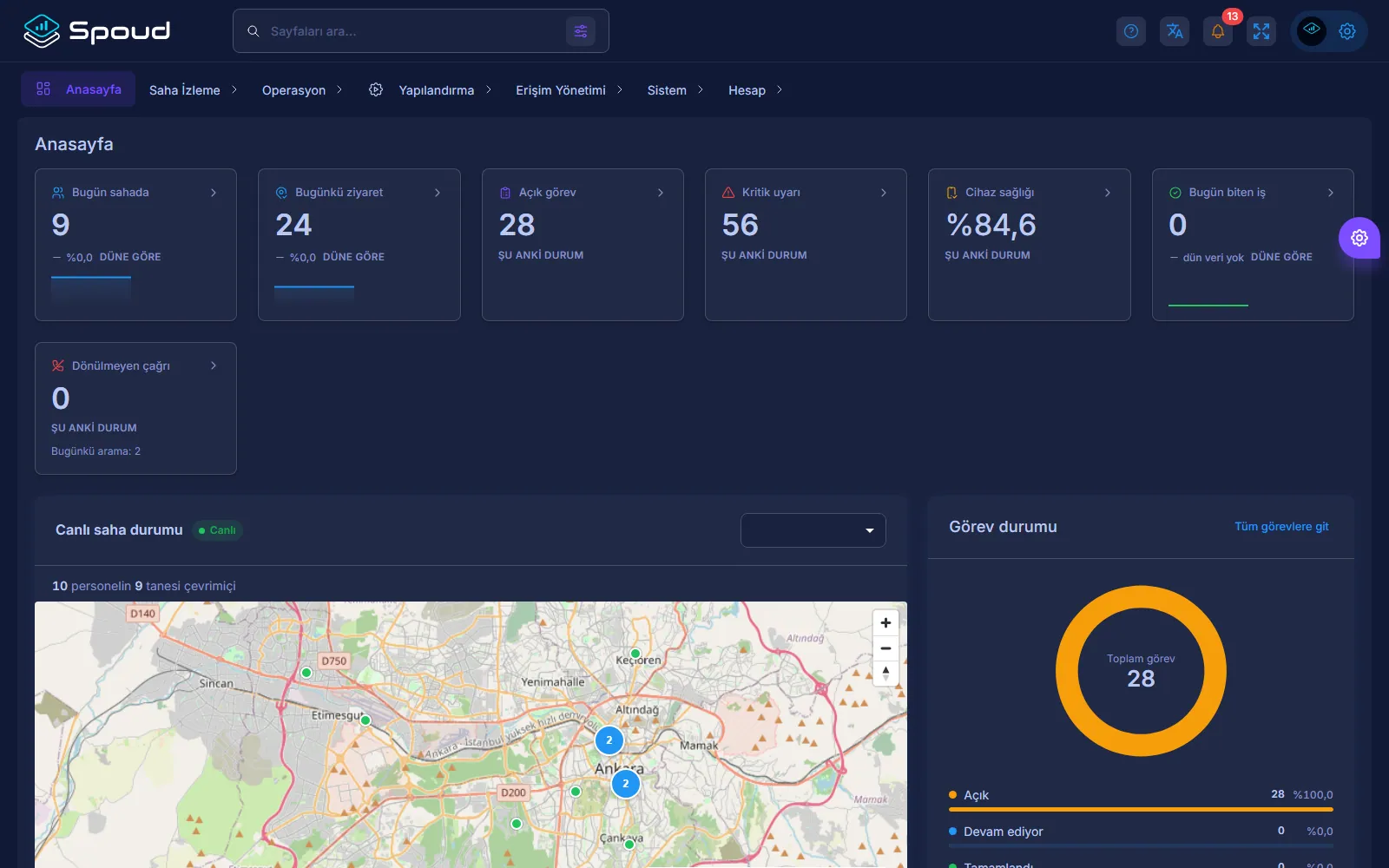
Spoud — Main dashboard

Spoud is built to manage field work in a way that can be proven: tasks are assigned, visits are started and finished, and work is documented with photos, forms and signatures. On the management side, which job was completed when, where and by whom is visible on one screen.

Location tracking is limited to the working hours the organization defines, and employees can see what is being recorded on the "Your data" screen in the app. The aim is not to watch people but to prove the work done to customers and auditors.

Capabilities

Task assignmentTask distribution by team and person, with priority and due date.
Visit recordVisit start and end, location and duration are recorded automatically.
Proof of completionDocumenting the work with photos, forms and the customer's signature.
Location on shiftLocation is collected only during defined working hours; route history is visible with a separate permission.
Operational visibilityCompleted work, overdue tasks and workload by team and site.
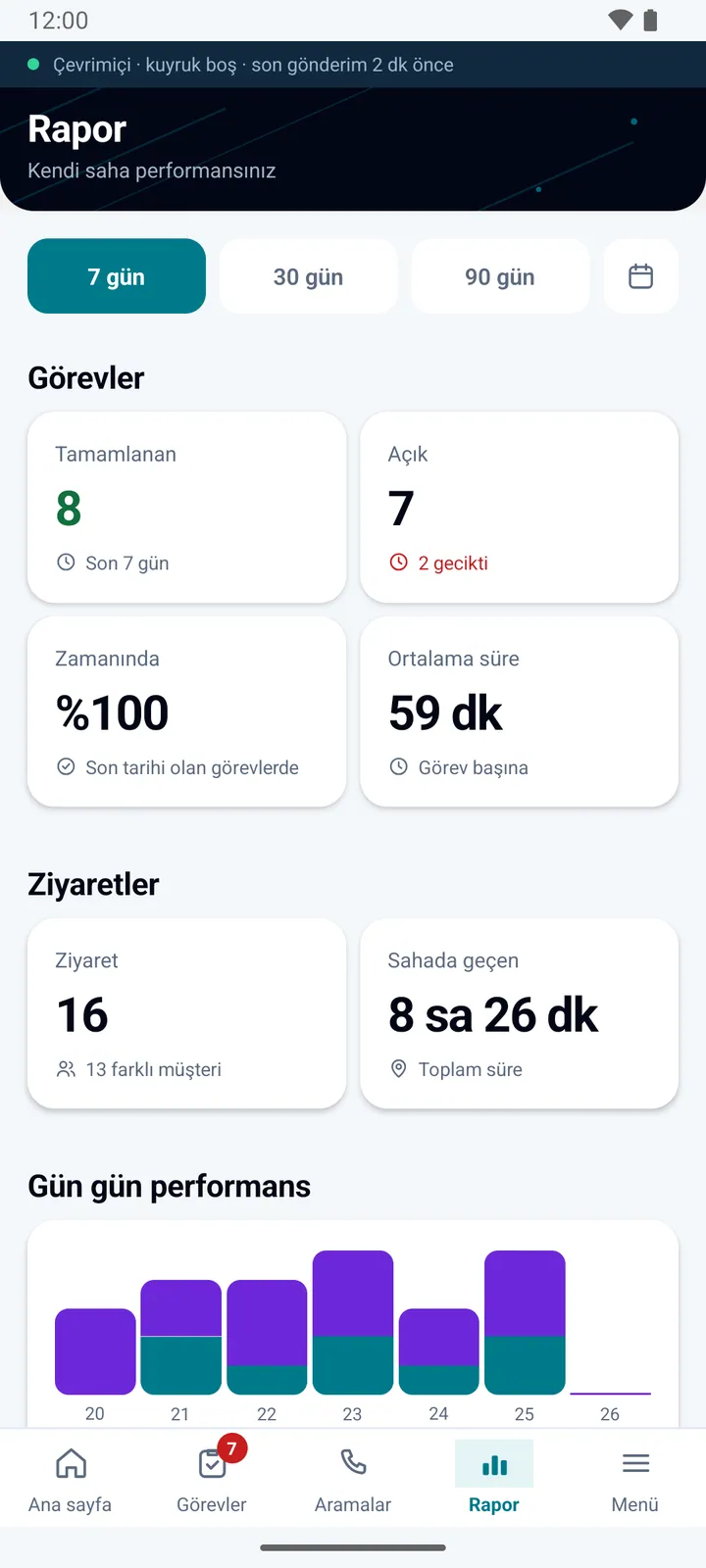
ReportingOperations reports by day, week and site; every export is logged.

Employee privacy and data protection

With a field app, people ask what is seen, when and by whom before they ask about features. Here are the answers.

When location is recorded
Only within the working-hours profile the organization defines (days, time range, breaks). No location is tracked for an employee with no profile. The device status signal sent while the app is open also carries the last known location.
How the employee knows
While tracking is on, a persistent "Field tracking active" notification is shown. The "Your data" screen in the app shows which data types are on, the tracking days and hours, and permission states.
Who can see it
Live map, location history and export are separate permissions. The scope each manager can see (own team, branch or the whole company) is defined separately; phone numbers are shown masked.
What can be collected
Location, task photos and signatures, visit location, device status. If the organization turns them on, call log and SMS metadata; SMS content needs a separate permission and is off by default. The organization decides which types are on.
How long it is kept
The organization sets retention per data type; when it expires, records are deleted, anonymized or archived. Data accumulated on the phone is cleared within 30 days.
Employee rights
Employees can export their own data from the app and submit access, correction or deletion requests in the app. The employer is the data controller and resolves the request.

Screenshots

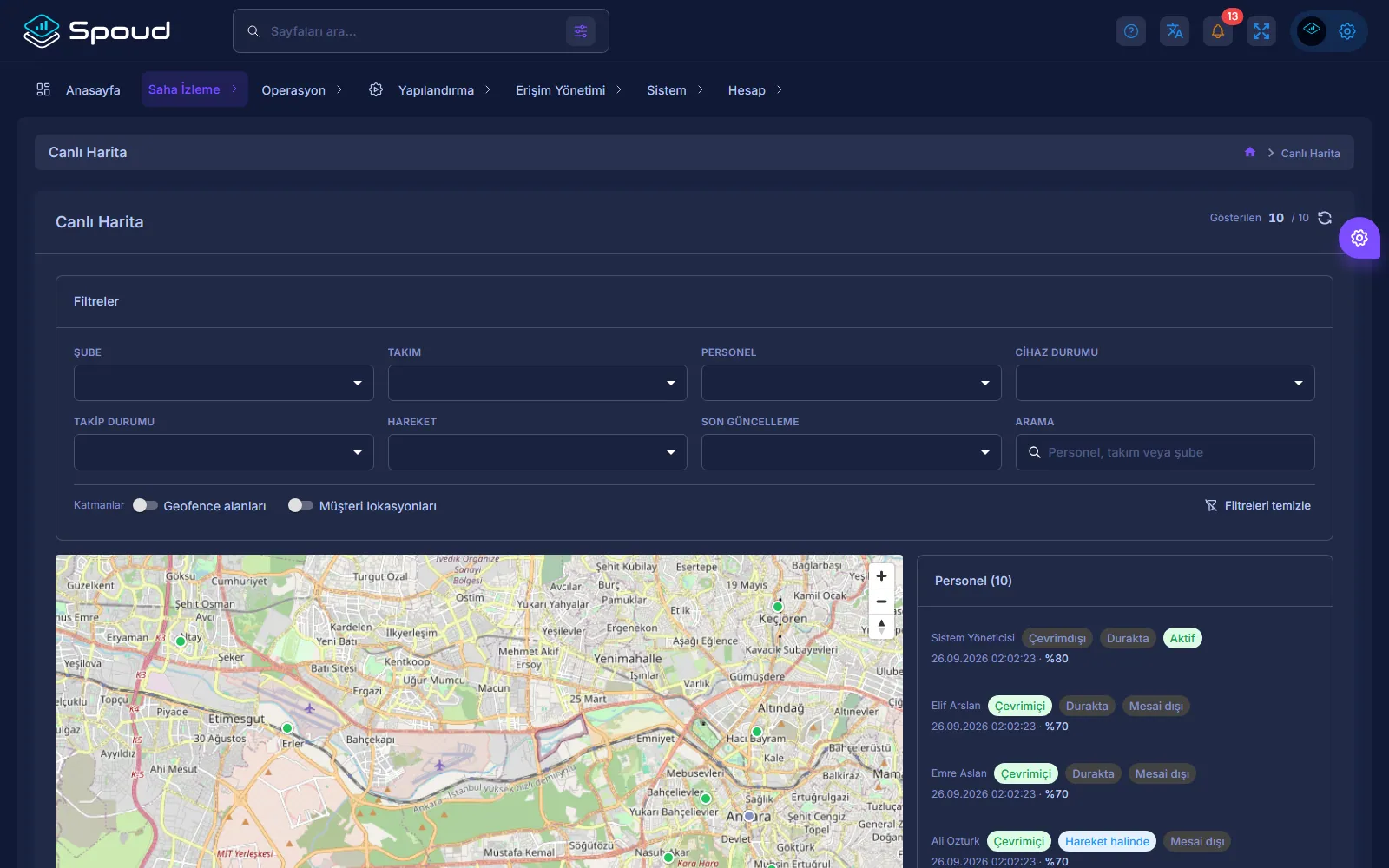
Spoud — Live map
Live map
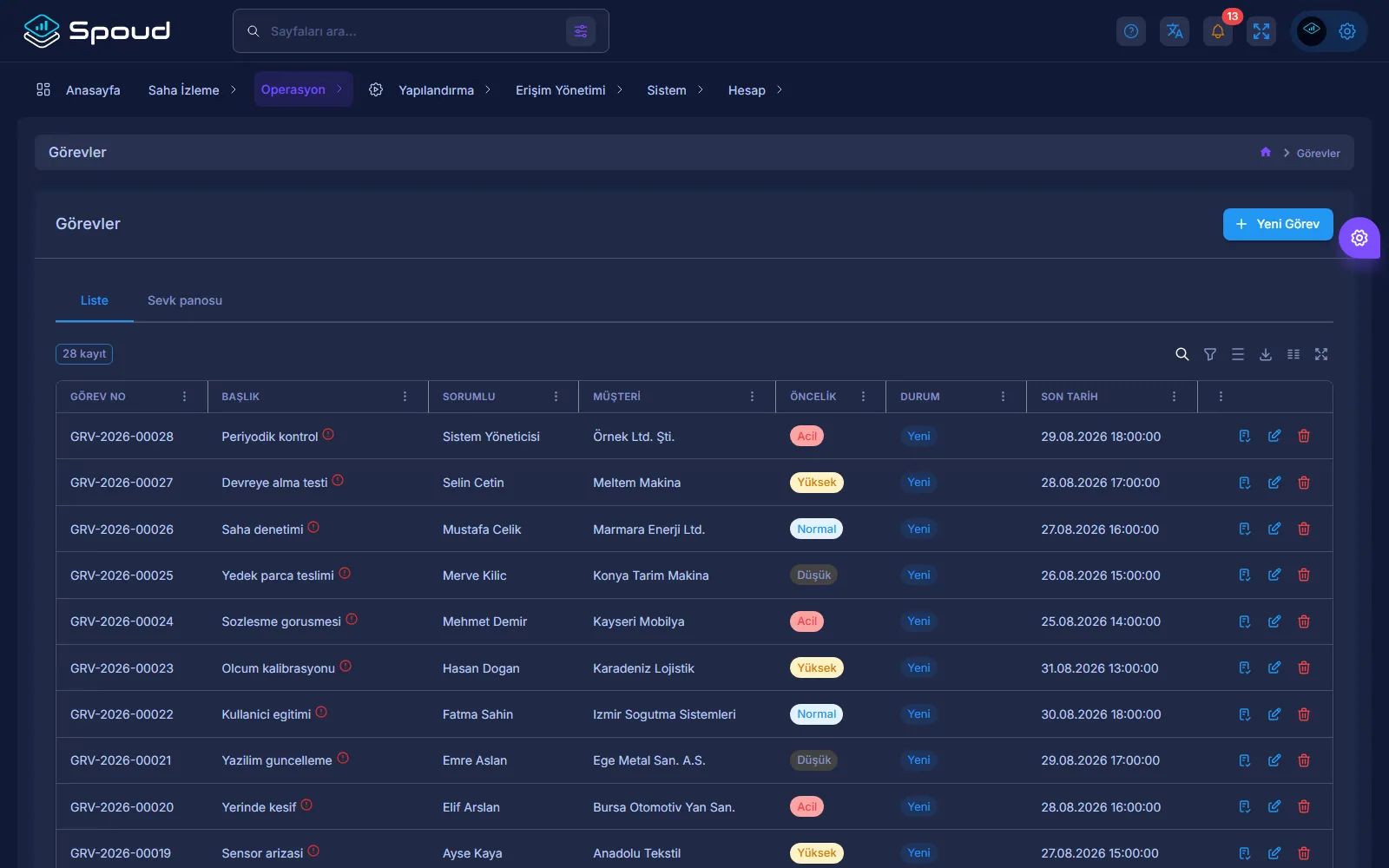
Spoud — Tasks
Tasks
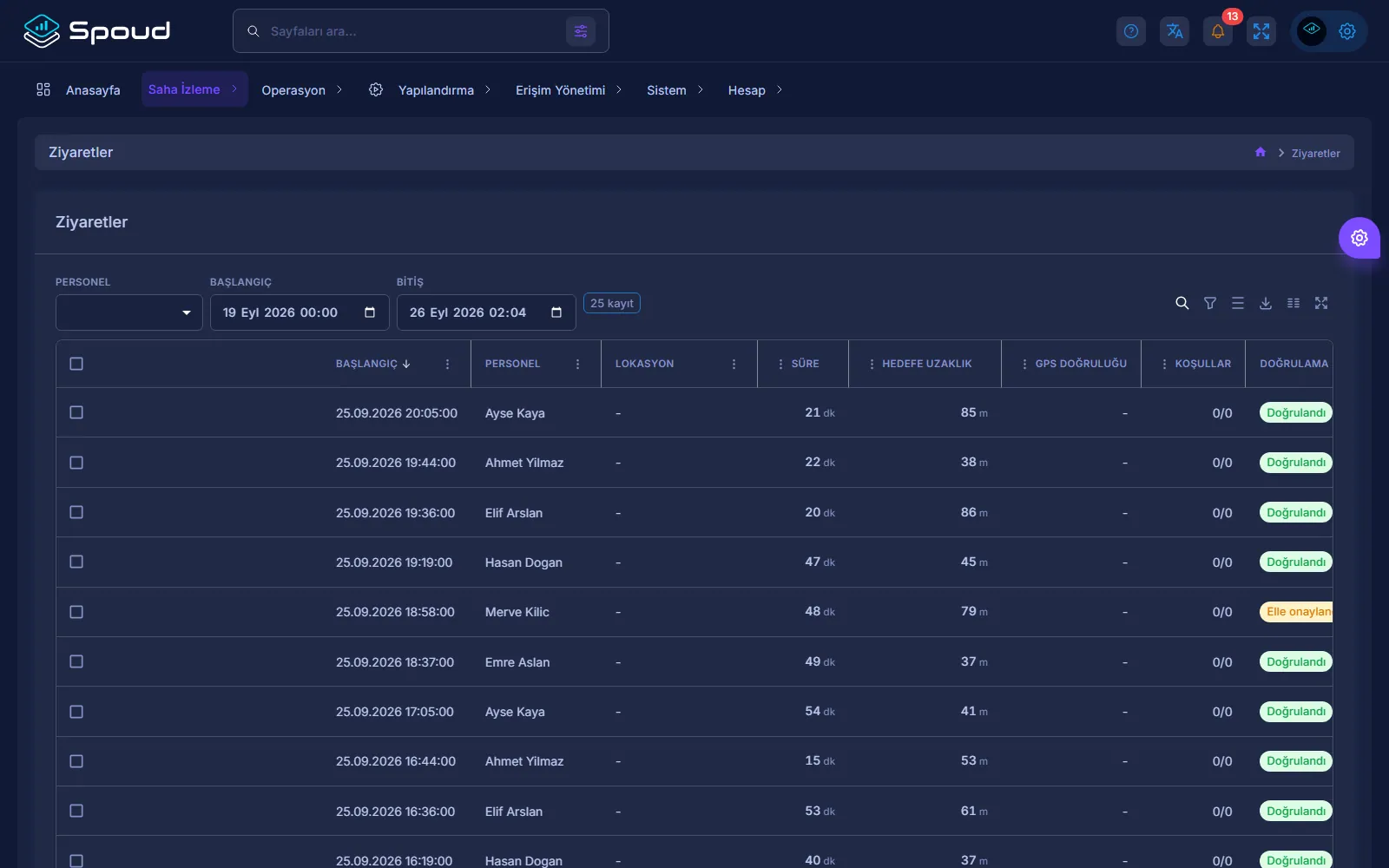
Spoud — Visits
Visits
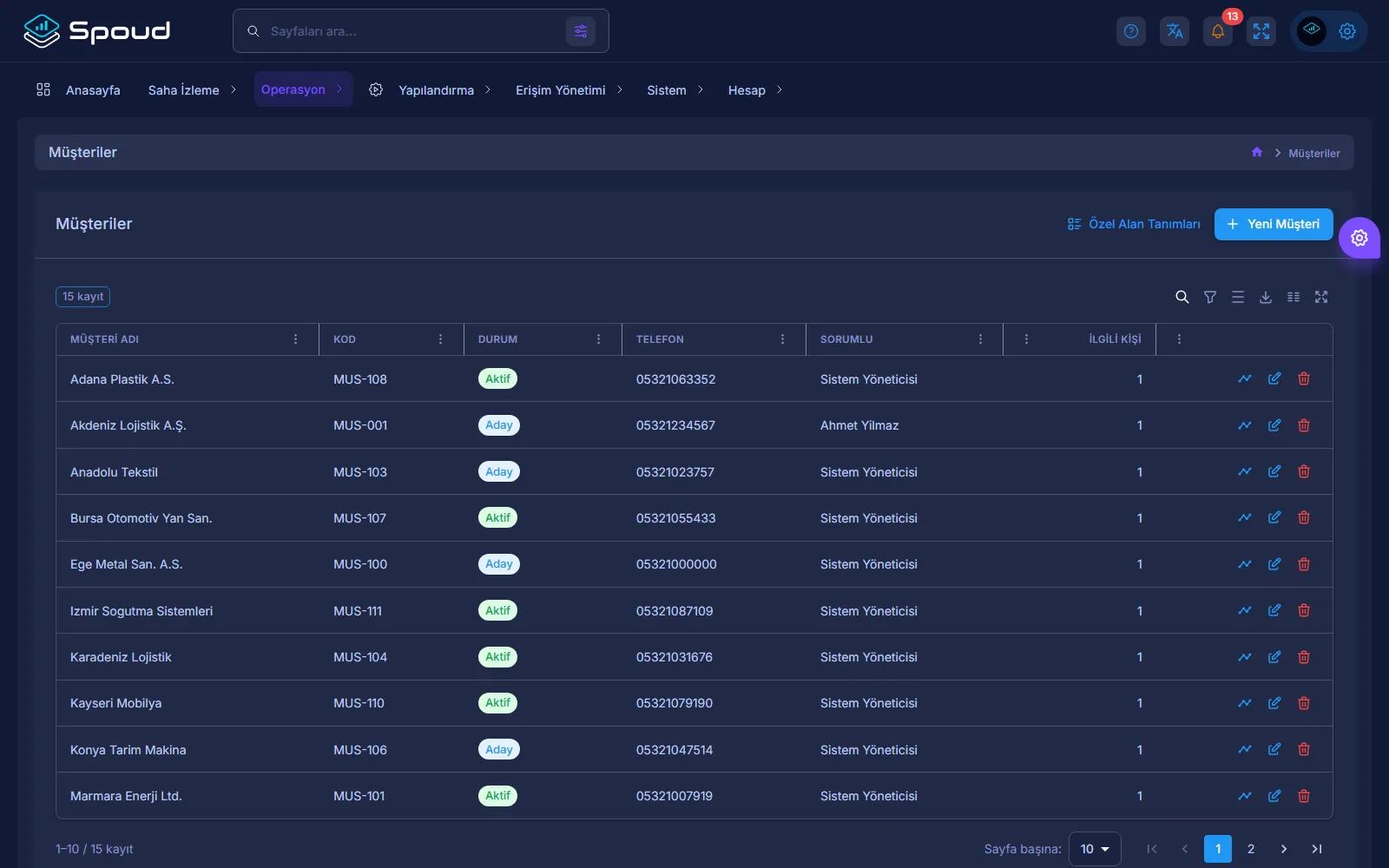
Spoud — Customers
Customers

Mobile app

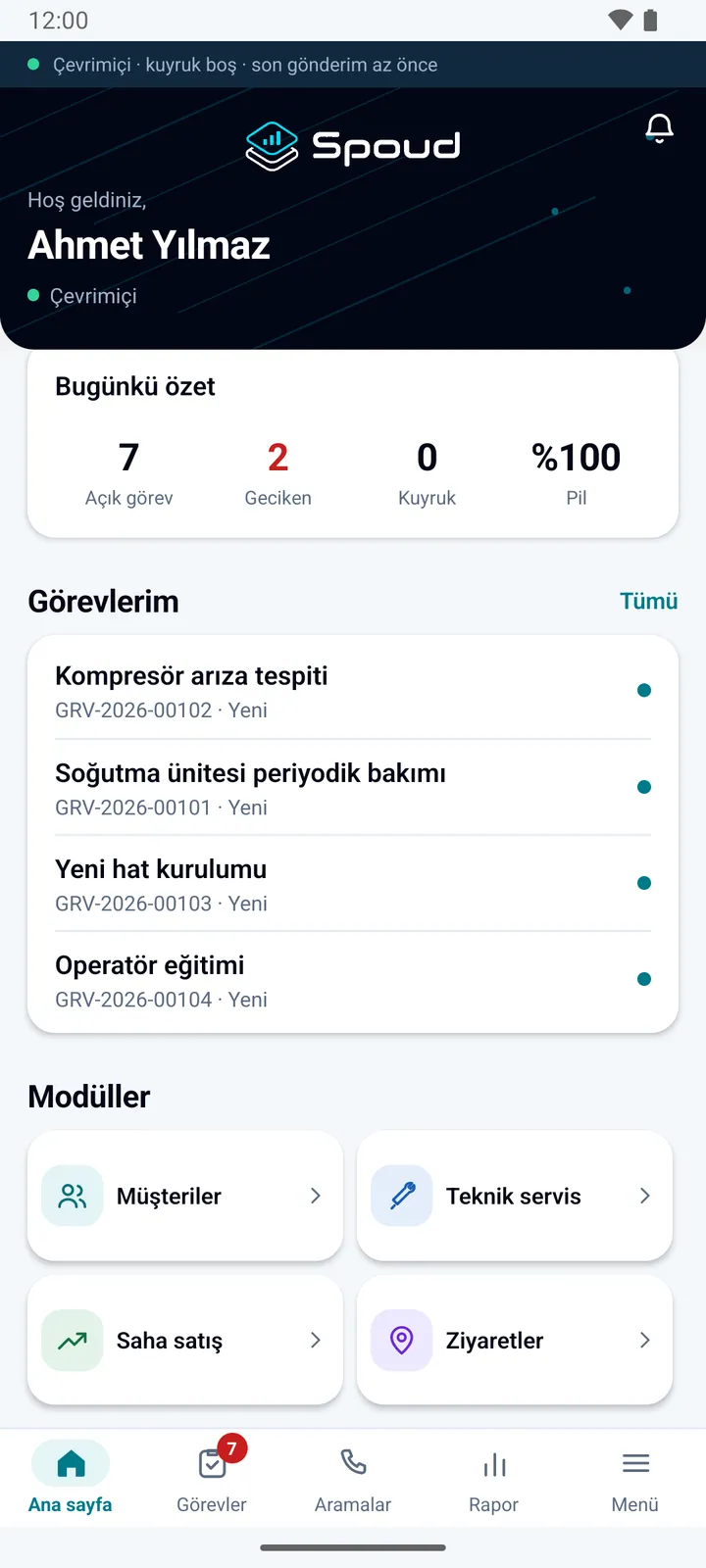
Spoud — Home
Home
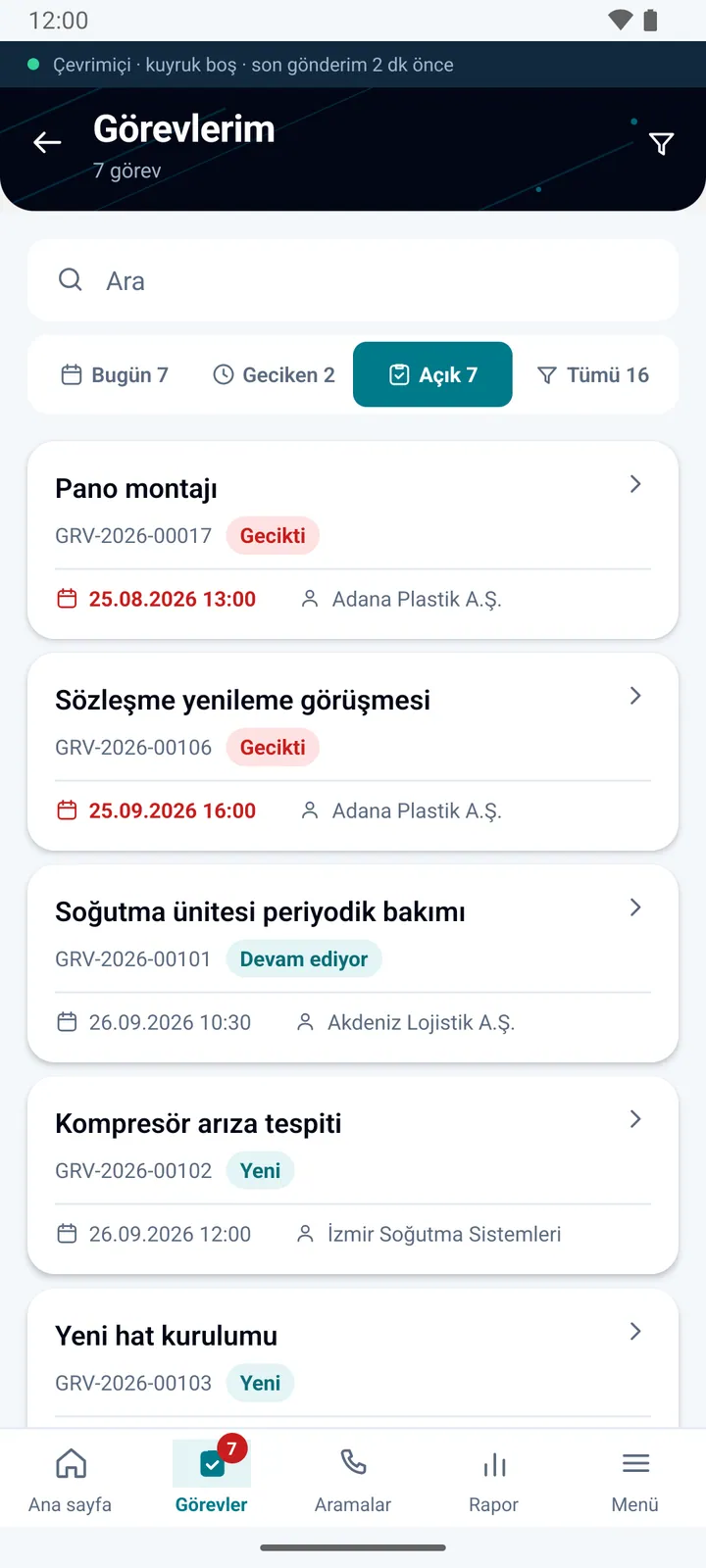
Spoud — My tasks
My tasks
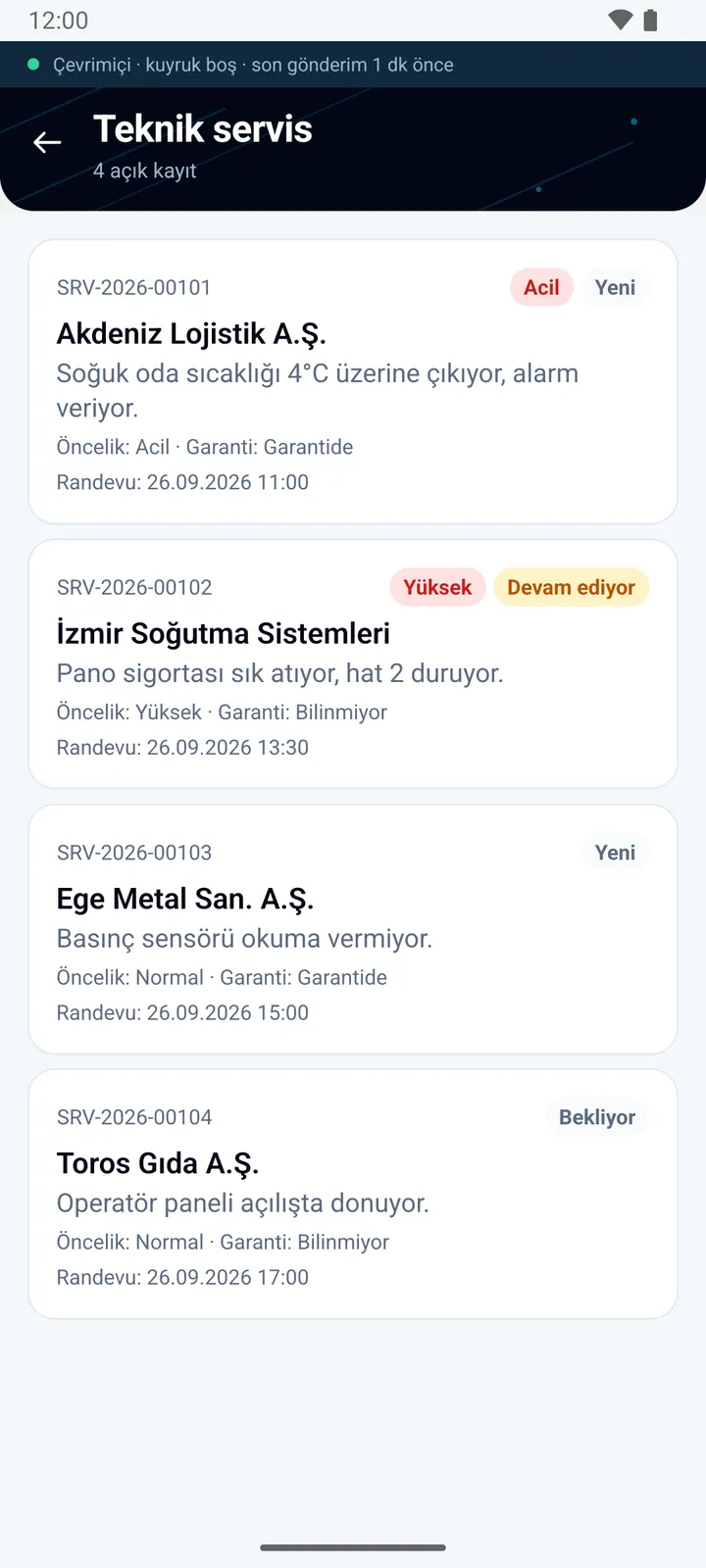
Spoud — Technical service
Technical service
Spoud — Report
Report
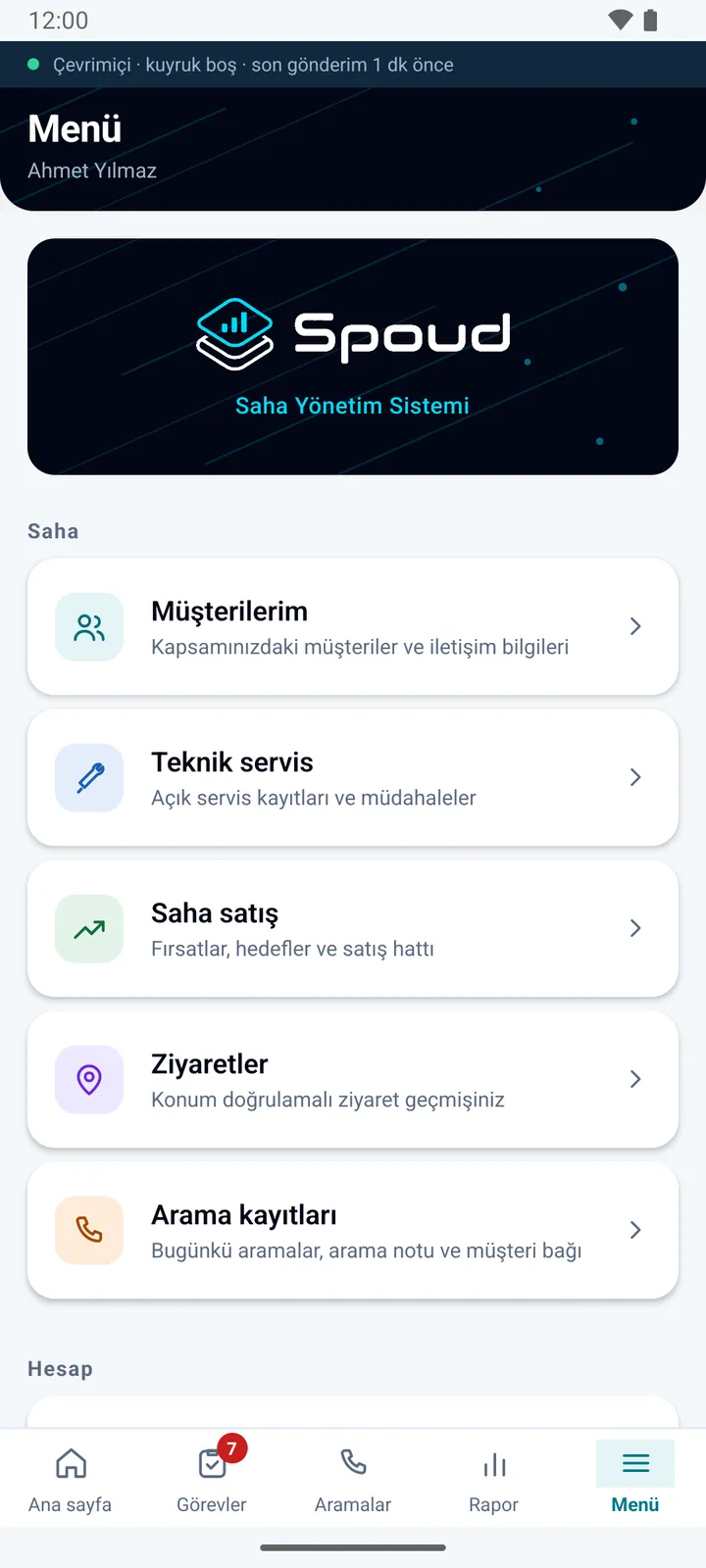
Spoud — Menu
Menu

Frequently asked

Is the employee's location tracked all the time?

No. Location is collected only within the working-hours profile the organization assigns (days, start and end time, breaks); for an employee with no profile, no location is tracked. While tracking is on, a persistent notification is shown on the phone.

How is the work proven?

When a task is completed, photos, a form and, where needed, the customer's signature are taken and stored with the task together with the visit's start and end location.

How are teams notified?

Through in-app notifications and email. Task assignments and changes reach the right person immediately.

What can Spoud do for you?

Let's plan the whole process together, from installation to integration.