
Integration

System Integration

Your data sits in the ERP, on the shop floor and in spreadsheets — we connect the pieces into a single source of truth.

System IntegrationData IntegrationMiddleware & ESBCloud IntegrationData MigrationWorkflow Automation

Most organizations have data, but it's fragmented: one version in the ERP, another in the field, something else entirely in Excel. System integration is about connecting these pieces into a single source of truth.

The invisible part of integration is error handling. If what happens when a transfer fails — where the data waits and who is notified — isn't designed up front, the integration breaks silently.

How we work

System inventoryWhich data lives where, who produces it and who consumes it.
Integration architecturePoint-to-point or middleware — decided case by case.
Data mappingField mappings, transformation rules and validation.
Error handlingQueues, retries and notifications; no silent failures.
MonitoringVisibility of transfer volume, latency and error rate.
DocumentationFlows and rules written down so they can be handed over.

What we deliver

  • A system inventory and data flow map
  • A field mapping and transformation rules document
  • Integration services and scheduled flows
  • An error queue and notification rules
  • A transfer monitoring dashboard
  • A reconciliation report

How we proceed

1 · InventoryWhere each piece of data lives, who produces it and who uses it is mapped.
2 · Architecture decisionPoint-to-point or middleware — decided case by case.
3 · Mapping and testingThe field mapping is validated in a test environment.
4 · Parallel runningManual transfer continues for a while and results are compared.
5 · Hand-overMonitoring and reconciliation become routine.

When it's the right choice

  • When the same data is entered by hand into more than one system
  • When there are inconsistencies and reconciliation problems between systems
  • When a new system has to work alongside older ones

When it's not the right choice

  • When one of the source systems will soon be retired entirely — a migration plan is the better fit
  • When it's unclear who owns the data and which source is correct — decide that first
  • When the transfer happens a few times a year and doing it by hand is cheaper

Products we use in this service

Data Integration

PDM to ERP

A middleware layer that moves the product structure from design into the ERP, rule-based and traceable.

PDM / PLMERPProduct Structure
RulesMapping
RevisionControl
LogTraceability
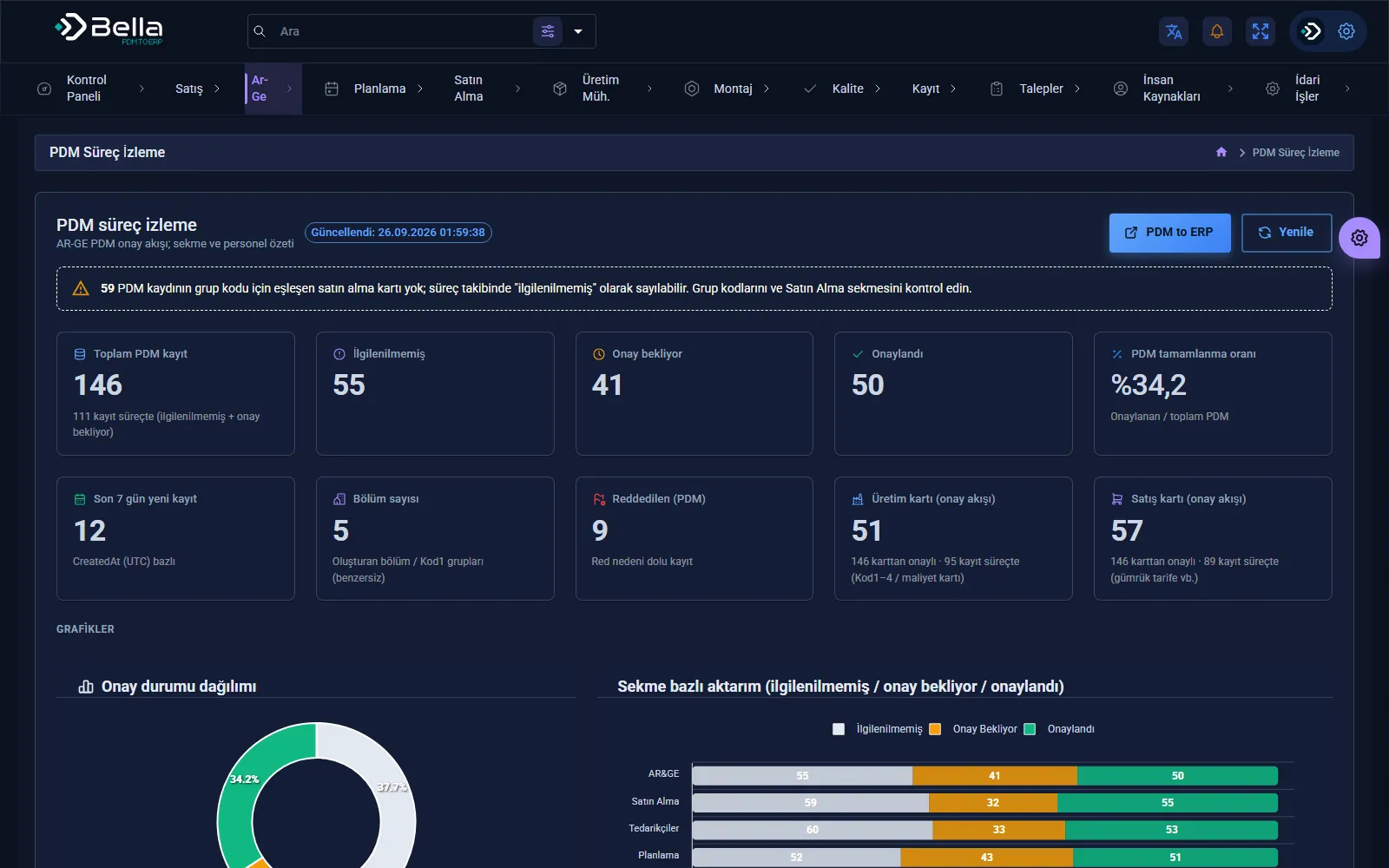
PDM to ERP — screenshot
Finance & Bookkeeping

Bella Ön Muhasebe

Bookkeeping software that brings invoices, accounts, cash and stock onto one screen.
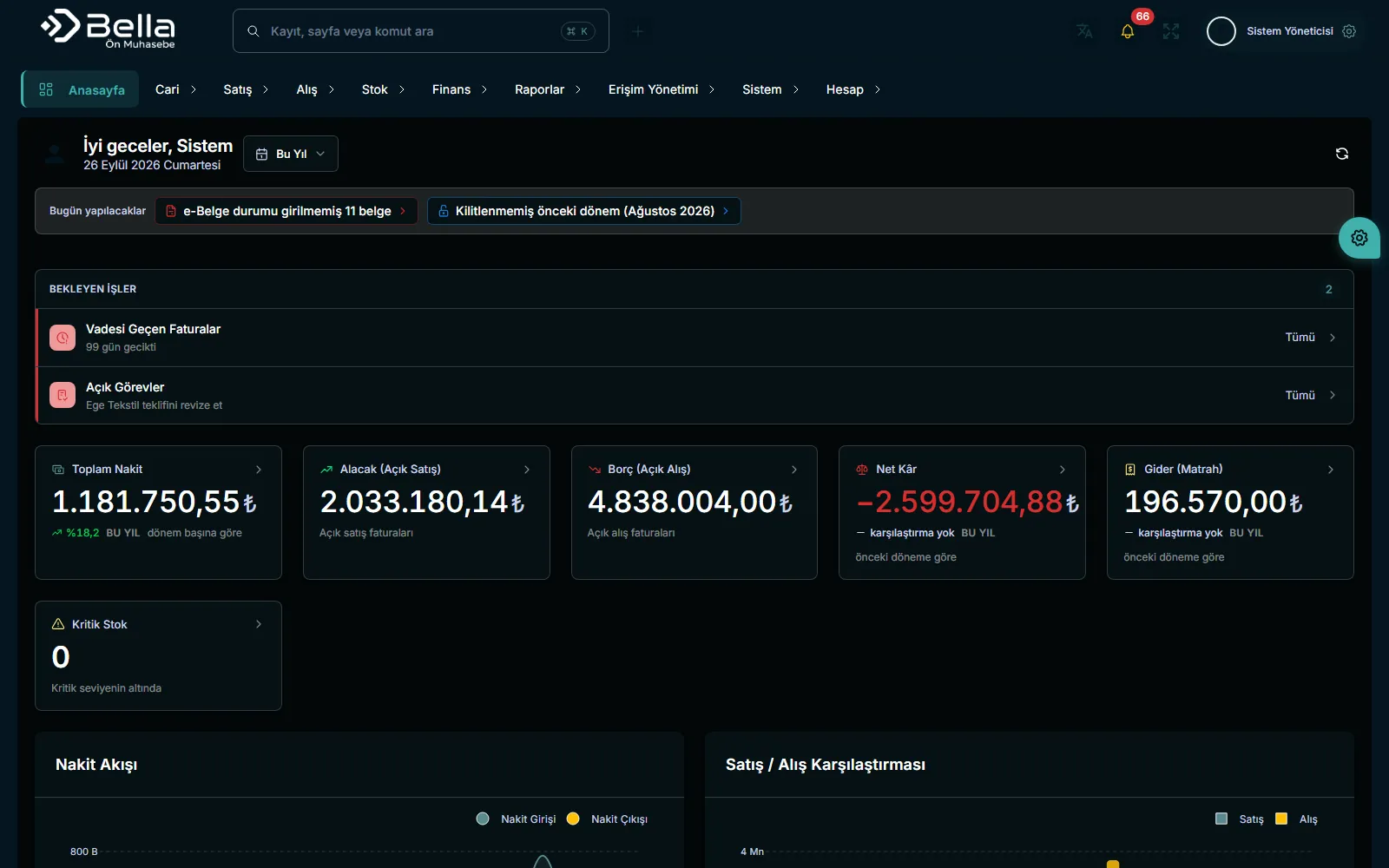
InvoicesAccountsStock
AccountsBalance tracking
CashCash flow
StockIn / out
Bella Ön Muhasebe — screenshot
E-mail Marketing

Bella Mail Marketing

A platform that manages lists, templates, sending and deliverability from one panel.
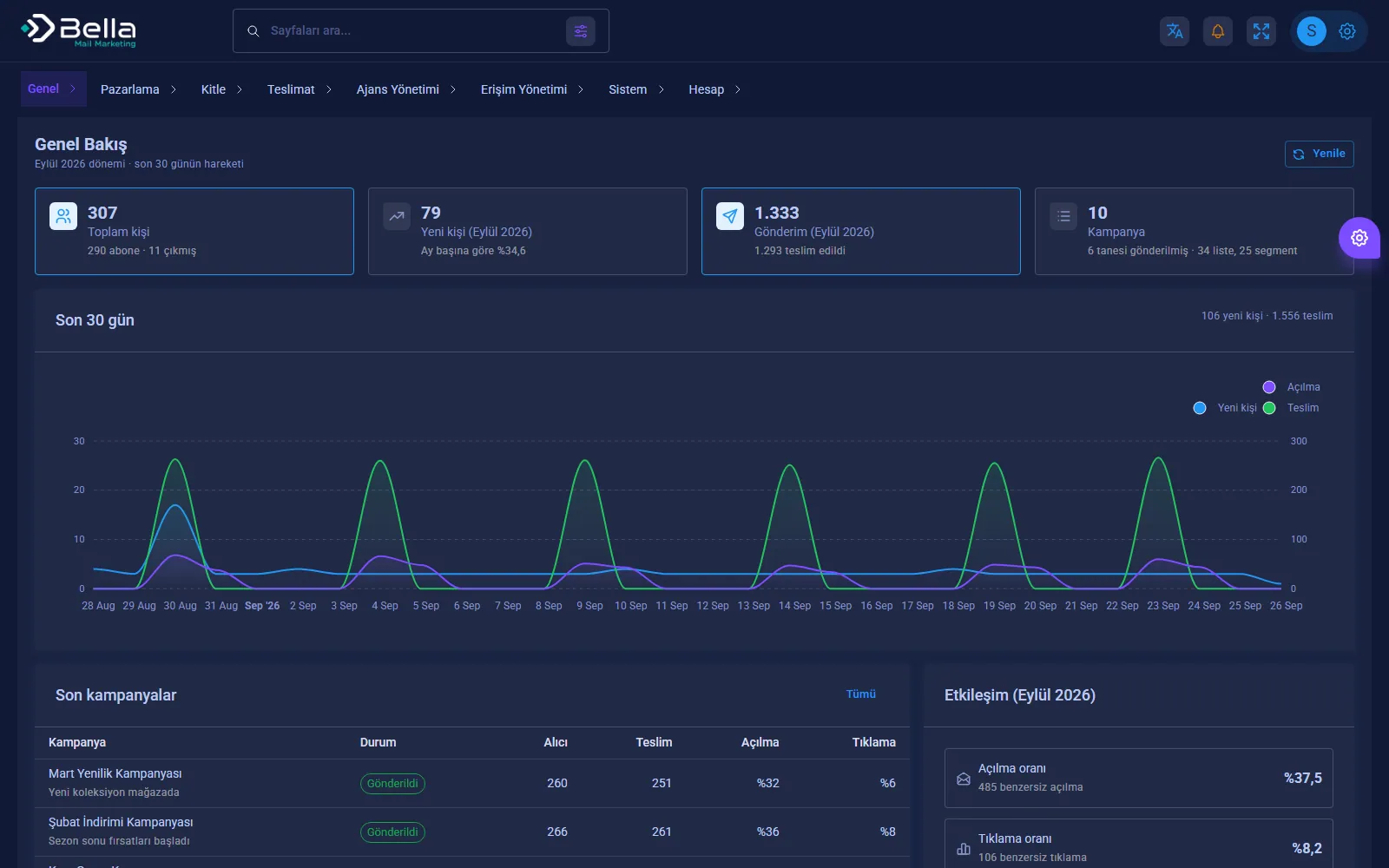
CampaignsTemplatesAutomation
SMTPSending
BounceBounce tracking
SegmentList targeting
Bella Mail Marketing — screenshot

Frequently asked

Is integration possible with a system that has no API?

Yes; database or file-based transfer is used, or, as a last resort, user interface automation (RPA).

What happens if a transfer fails?

The record isn't lost: it waits in the error queue, the owner is notified and it's resent once corrected.

Which ERPs have you worked with?

We have experience with Netsis and Odoo integrations; for other systems the access method is determined during discovery.

Who monitors the integration?

Transfer volume, latency and error rate are visible on a dashboard; monitoring responsibility is handed over to your team.

Let's take the first step in System Integration.

In a short discovery call we'll listen to your needs and share the scope and approach in writing.