Data Processing · Ankara

Get out of Excel, move to flows.Data Processing and Integration Solutions

We turn manual data entry, copying and reconciliation work into automated flows — whatever the source system: API, database, file or screen.

ETLReconciliationFile processingAPI integrationValidationScheduled jobs

In many organizations data processing is still one person's routine: download the report, tidy the columns, compare with a second file, send the result by e-mail. Because this work is repeatable it can be automated; because it's fragile it should be.

If the system to connect has an API, we build an integration. If not — an old application, a system without source code — robotic automation working through the user interface comes in.

If this sounds familiar

  • Every morning someone downloads a report and rearranges its columns.
  • Whether two systems agree is checked by hand at month end.
  • Files from suppliers or dealers arrive in different formats and are aligned manually.
  • When a transfer fails one day, nobody notices.

What it covers

Source connectionAPI, database, SFTP, e-mail attachment or user interface. Whatever is available is used.
Transformation rulesFormat, unit and code mappings are defined in one place, not buried in code.
ValidationValues outside the expected range are caught and reported before processing.
ReconciliationComparing two sources and listing the differences; items that don't close become visible.
Scheduling and monitoringFlows are scheduled and whether they ran is monitored. A flow that silently stops raises an alarm.
Error handlingA faulty record doesn't stop the whole flow; it's set aside, reported and reprocessed once corrected.

Example scenarios

Illustrative examples; the specifics are worked out during discovery at your site.

ReconciliationMatching bank transactions to accountsBank transactions are matched to customer accounts by description and amount; unmatched items stay on a separate list and are closed by hand.
SupplyTaking in price lists in different formatsEach supplier's file is read with its own mapping rule and units and codes are converted to a common format; unknown codes are reported before transfer.
Legacy systemGetting data out of an application with no APIData is taken through read access to the database or a regular export file; if neither exists, UI automation is used as a last resort.

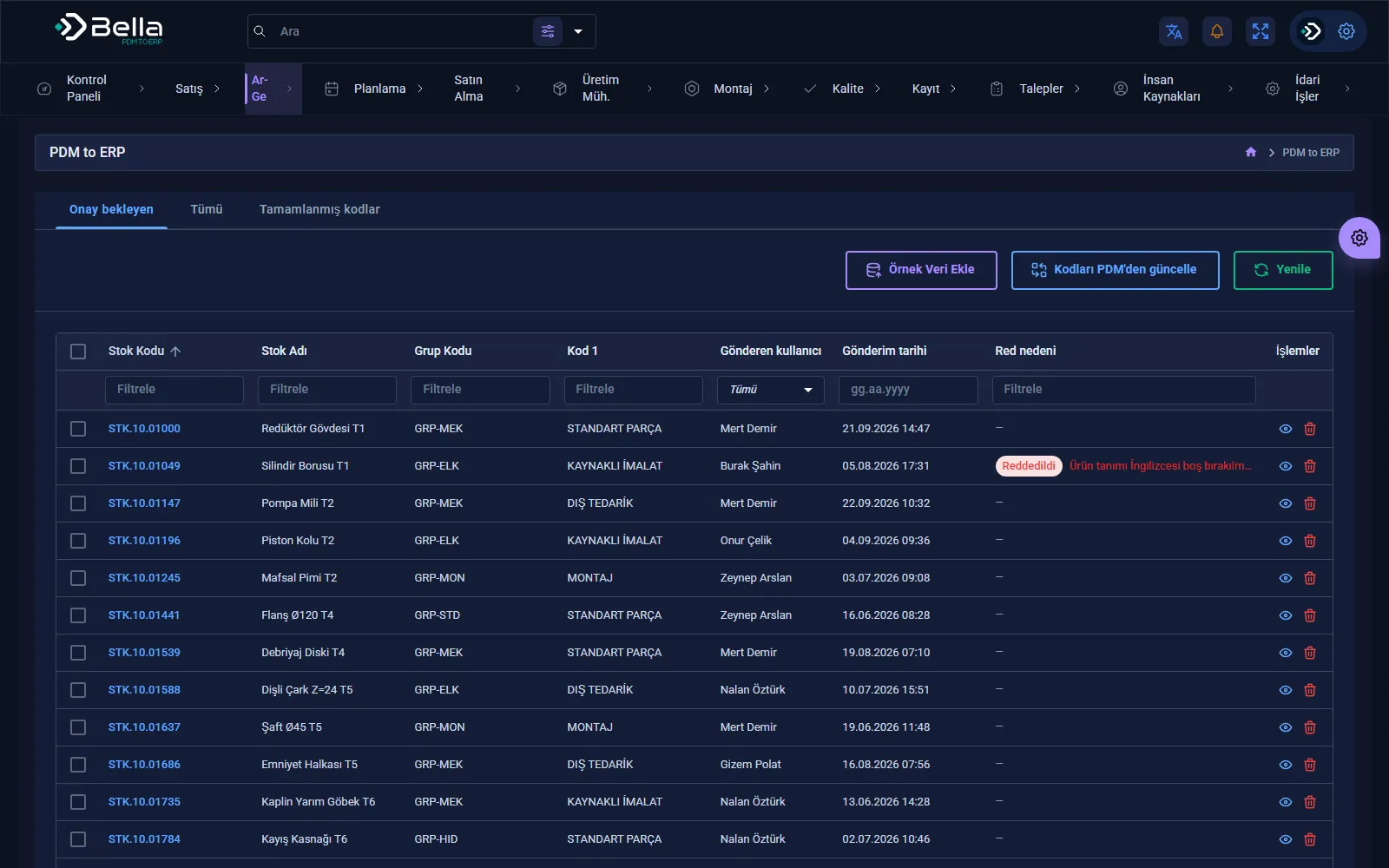
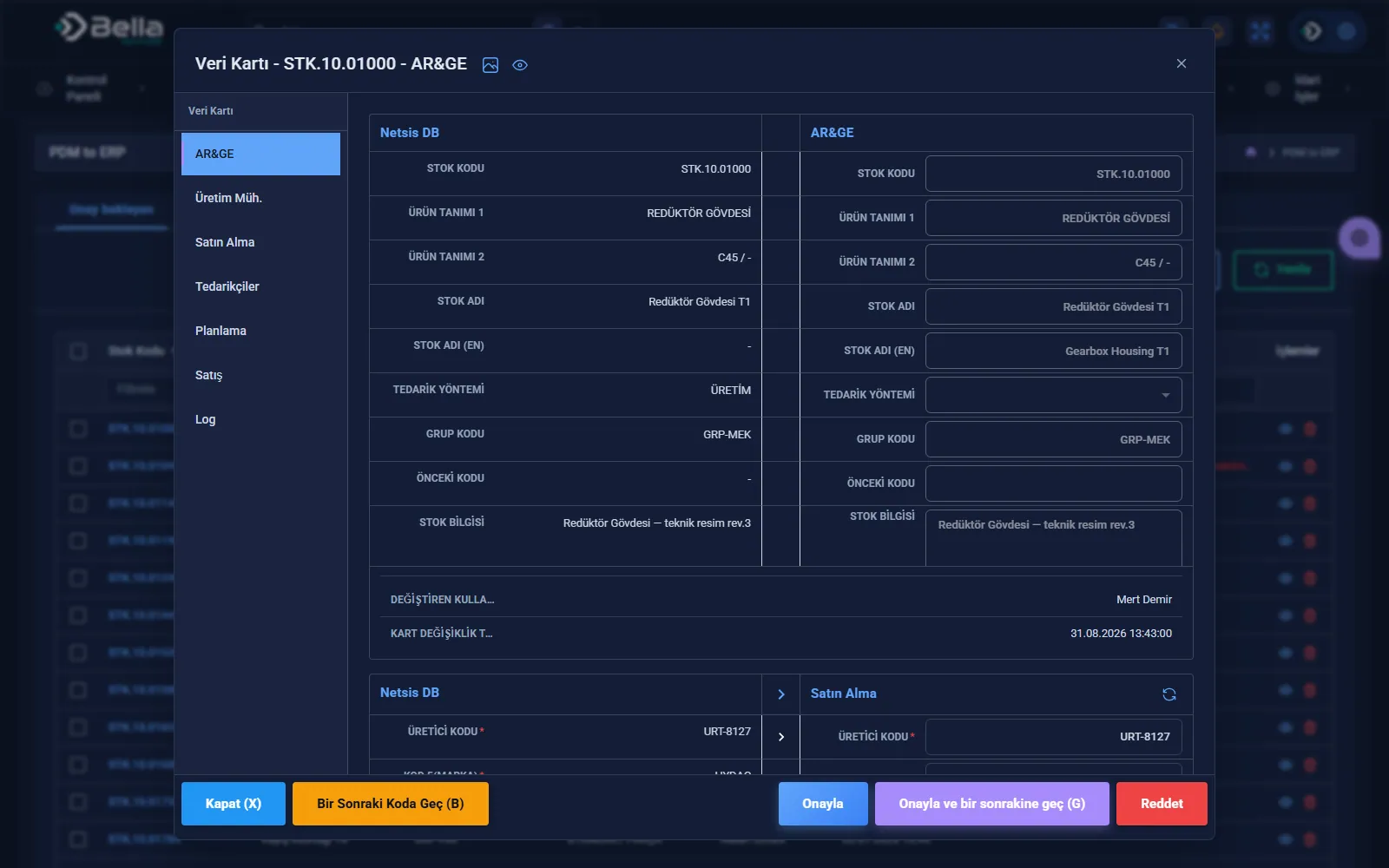
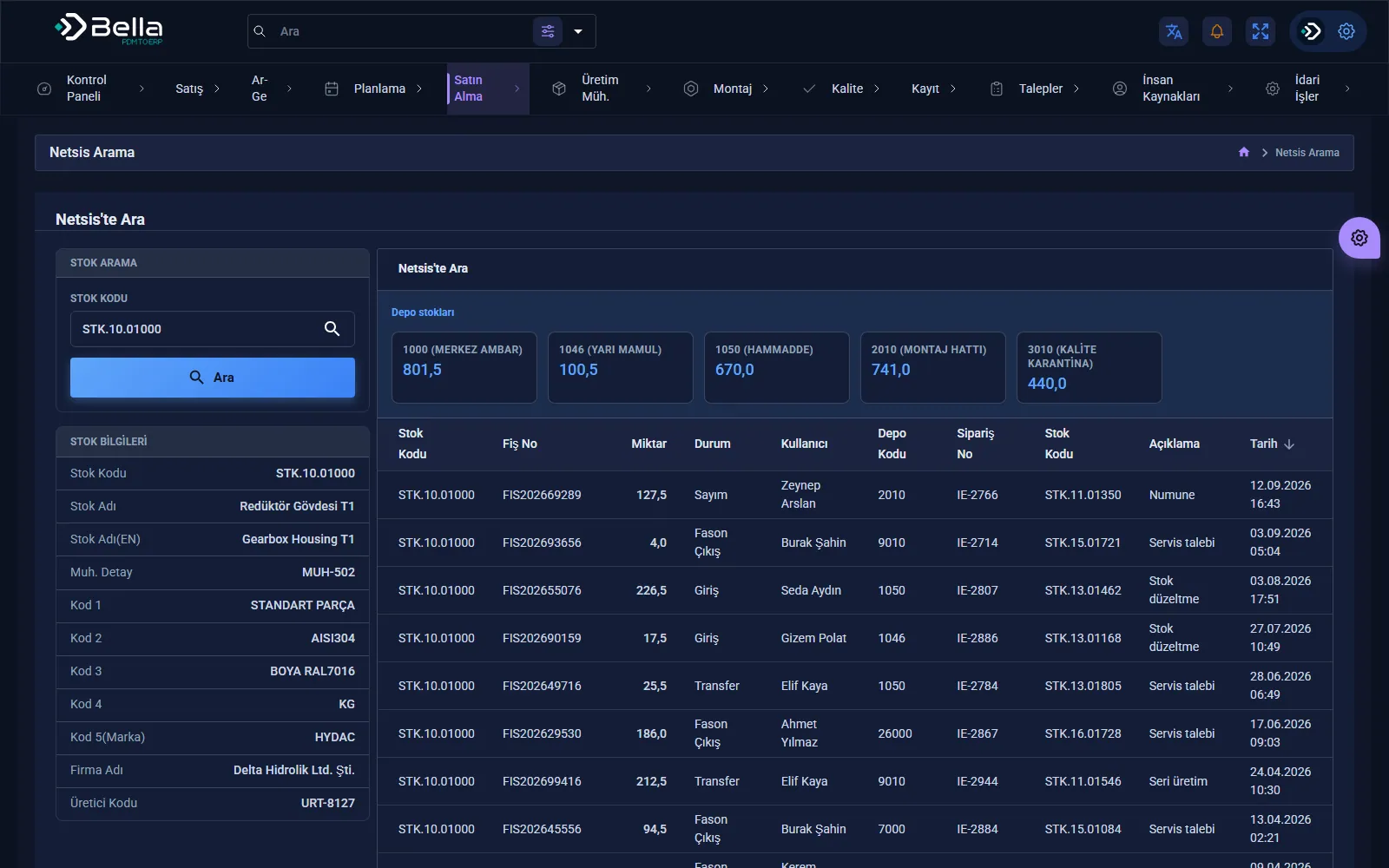
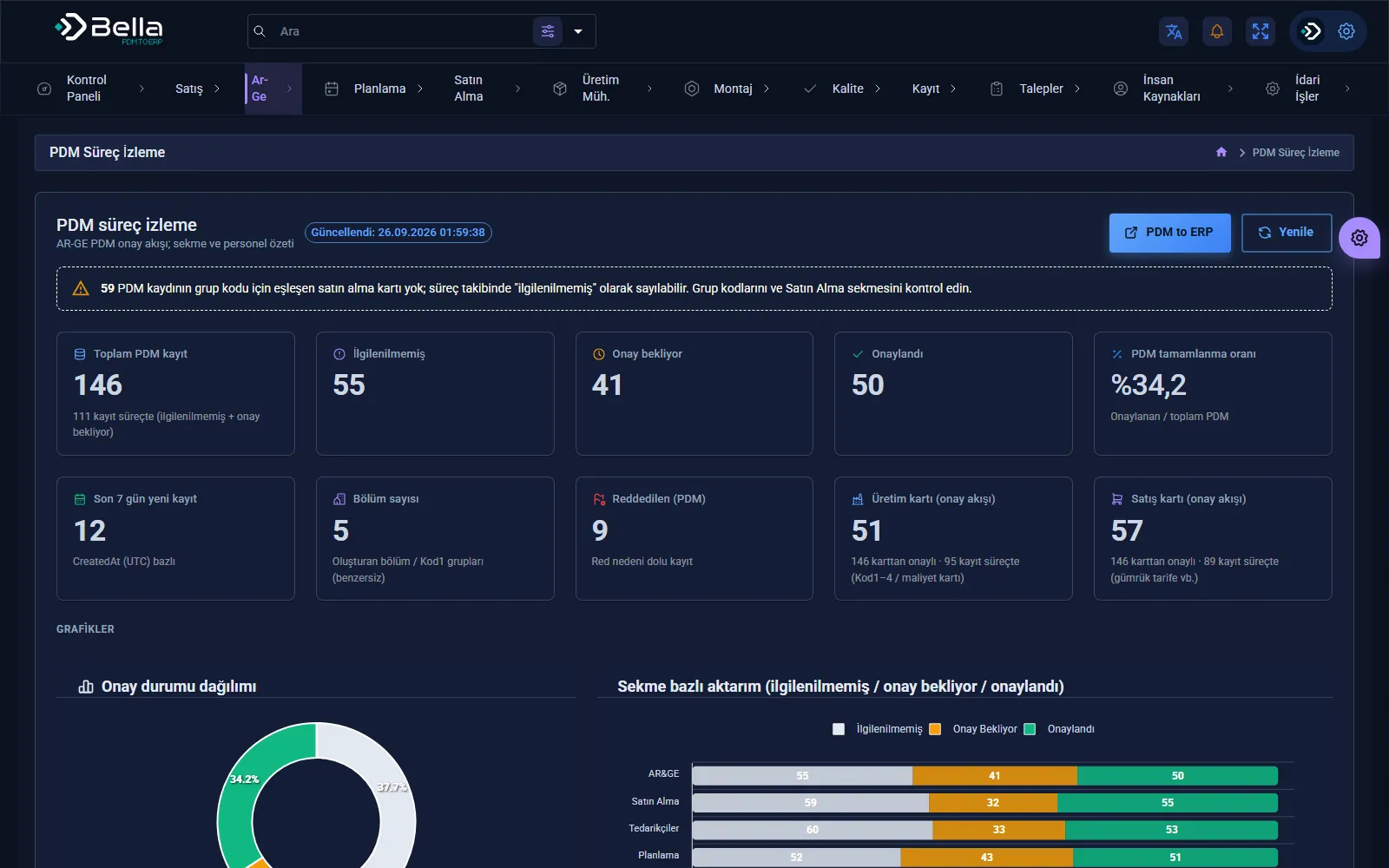
PDM to ERP screens

PDM to ERP page →
PDM to ERP — PDM process monitoring
PDM process monitoring
PDM to ERP — Transfer from PDM to ERP
Transfer from PDM to ERP
PDM to ERP — Transfer details
Transfer details
PDM to ERP — Netsis record search
Netsis record search

What we deliver

  • Step-by-step breakdown of today's manual routine
  • Source connections and transformation rules
  • Validation and separation of faulty records
  • Scheduled runs and an alarm for silent stops
  • Comparison from the parallel-run period

How we proceed

1 · Current routineWhat's done by hand today, how long it takes and where errors occur.
2 · Source accessTechnical verification of how to connect to each source.
3 · Parallel runThe automated flow runs alongside the manual work for a while; results are compared.
4 · Hand-overThe manual work is retired and monitoring becomes routine.

When it's the right choice

  • The same data processing routine repeats at regular intervals.
  • Access to the sources (API, database, files) can be granted.
  • Finding faulty data late is costly.

When it's not the right choice

  • If the source format changes every time and can't be put into rules.
  • If it's a one-off transfer done a few times a year.
  • If the real need is to merge two systems or retire one; a data flow only postpones that.

Key products for this industry

Data Integration

PDM to ERP

A middleware layer that moves the product structure from design into the ERP, rule-based and traceable.

PDM / PLMERPProduct Structure
RulesMapping
RevisionControl
LogTraceability
PDM to ERP — screenshot
Finance & Bookkeeping

Bella Ön Muhasebe

Bookkeeping software that brings invoices, accounts, cash and stock onto one screen.
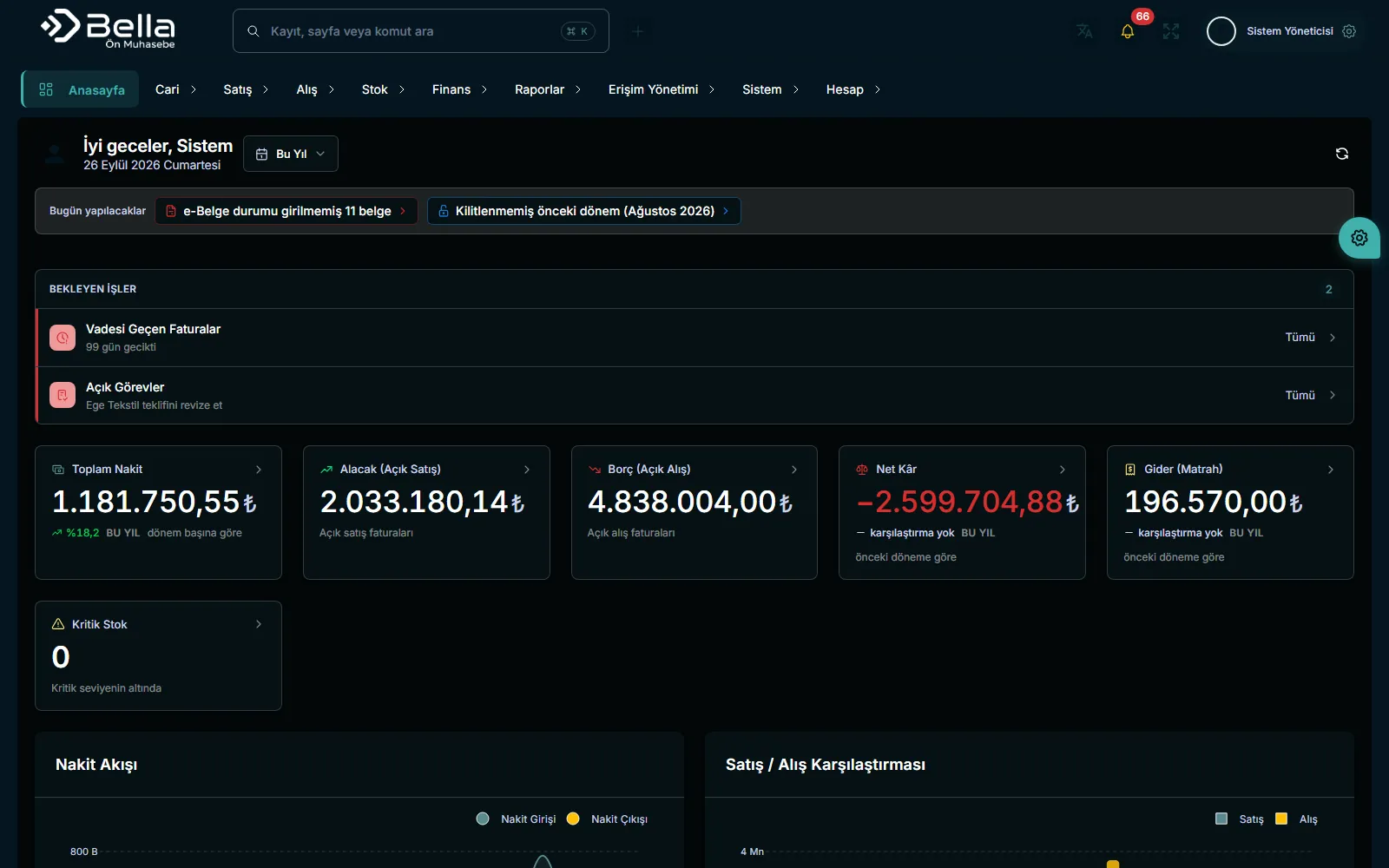
InvoicesAccountsStock
AccountsBalance tracking
CashCash flow
StockIn / out
Bella Ön Muhasebe — screenshot

Frequently asked

Our system has no API — is it still possible?

Yes. Database or file-based transfer can be set up; if neither exists, robotic automation working through the user interface is used. Where there's an API it's always the preferred option — UI automation depends on screen layout and is more fragile.

Does data get corrupted if a flow fails?

The design prevents it: the faulty record is set aside, the operation is kept reversible and the owner is notified. A flow that leaves half-processed data behind isn't acceptable.

Let's talk about this.

We'll listen to your current situation and work out together where to start.