Robotic Process Automation (RPA) · Ankara

Connecting to a system without an API through its interface.Robotic Process Automation (RPA)

RPA is software that takes over what a person does on screen. It's a lifesaver for old systems that can't be changed — but it isn't the right tool for every repetitive task.

Legacy system bridgeInvoice entryReconciliationReport preparationSchedulingAction log

Robotic process automation connects to a system through its interface rather than an API: it clicks, types, downloads files. That's why it can work even with old applications whose source code is inaccessible and which have no integration endpoint.

If the other side has a proper API, using RPA adds unnecessary fragility; when an update moves a button, the robot stops. So we look at integration options first and recommend RPA only where it's really needed.

What it covers

Interface automationFilling in forms, reading data and downloading files in desktop and web applications.
High-volume rule-based workRepetitive work such as invoice entry, reconciliation and periodic report preparation.
Temporary bridgesRunning two systems side by side until the new system goes live.
Human approvalThe robot prepares, a person approves, the robot completes. Responsibility never becomes unclear.
TraceabilityEvery step is logged; what the robot did can be traced afterwards.
Stopping on errorWhen it meets an unexpected screen it doesn't carry on; it stops and sends a notification.

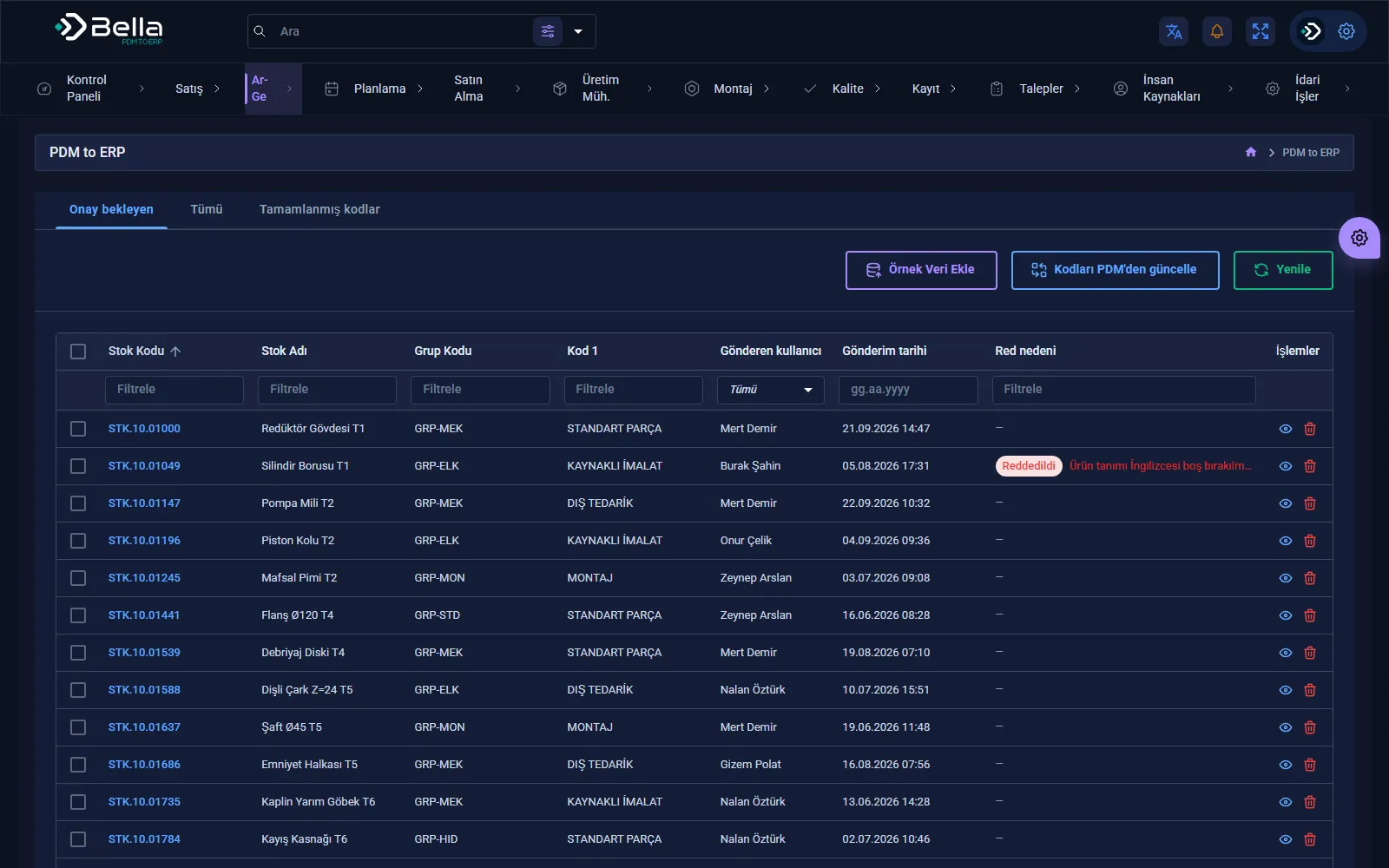
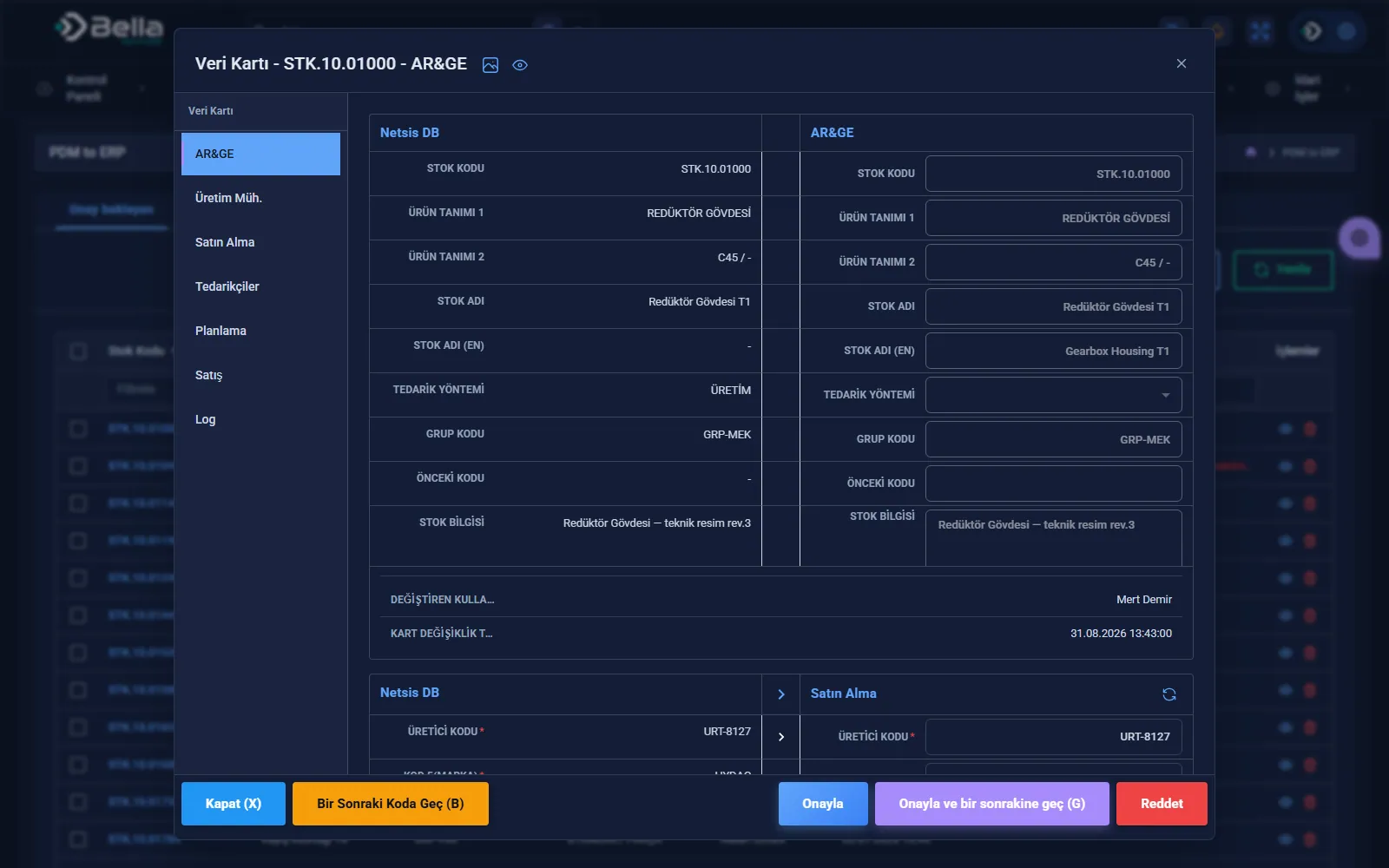
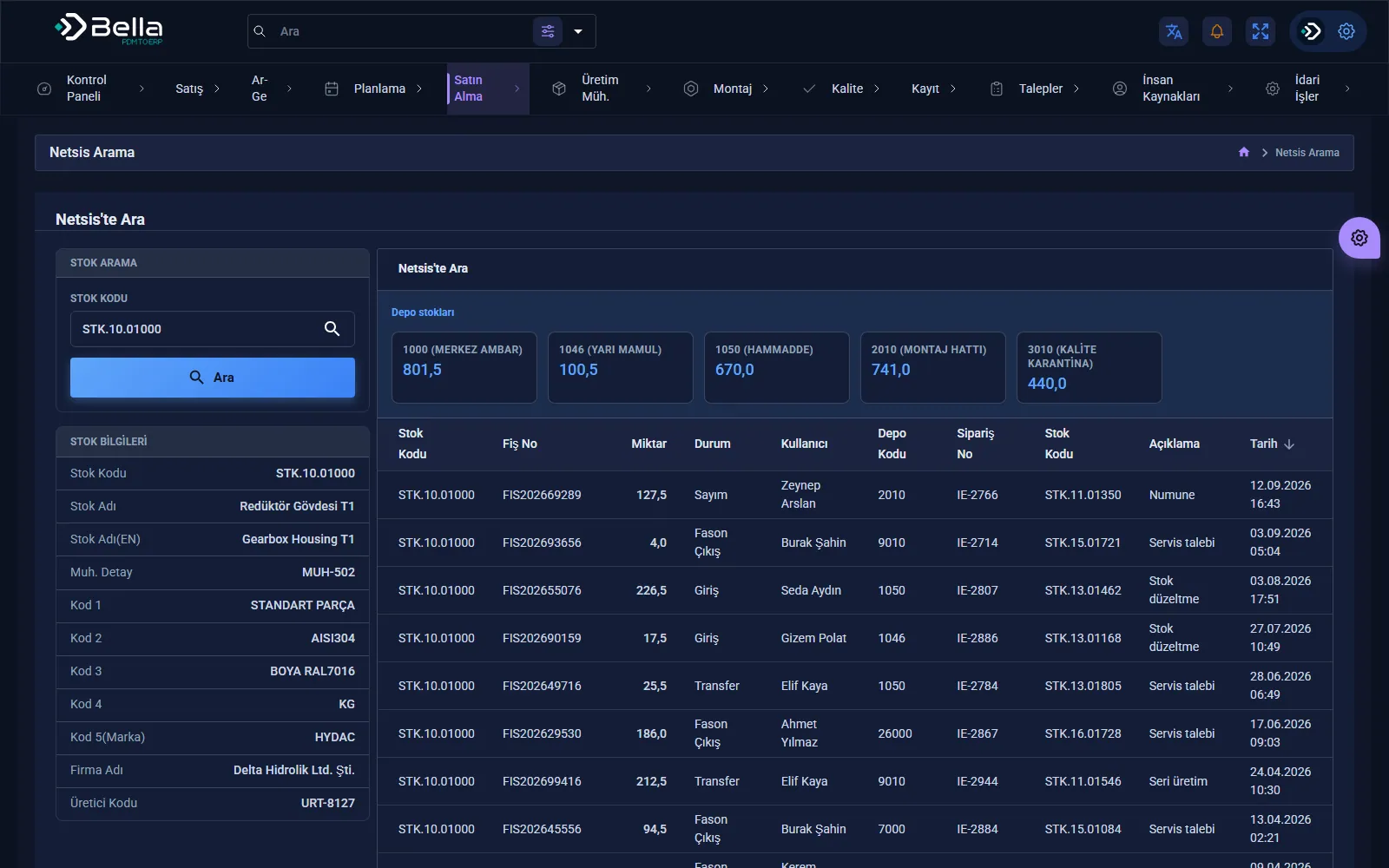
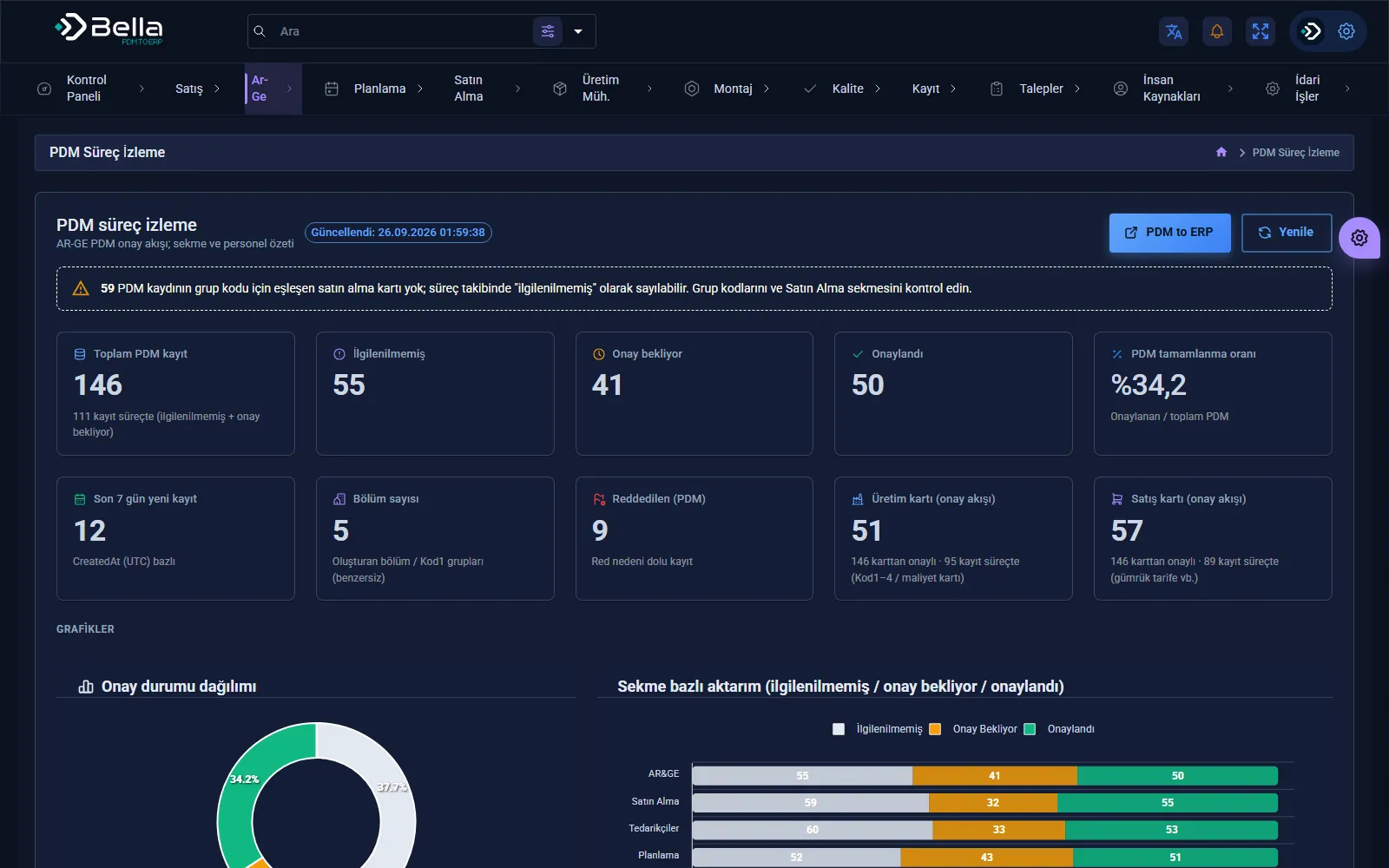
PDM to ERP screens

PDM to ERP page →
PDM to ERP — PDM process monitoring
PDM process monitoring
PDM to ERP — Transfer from PDM to ERP
Transfer from PDM to ERP
PDM to ERP — Transfer details
Transfer details
PDM to ERP — Netsis record search
Netsis record search

How we proceed

1 · Suitability checkIs there an API, can the process be expressed as rules, is the volume sufficient?
2 · Process simplificationAutomate a broken process and what you get is a broken process that runs fast.
3 · Implementation and parallel runThe robot runs alongside the manual work for a while.
4 · MonitoringRun logs and error notifications become routine.

Key products for this industry

Data Integration

PDM to ERP

A middleware layer that moves the product structure from design into the ERP, rule-based and traceable.

PDM / PLMERPProduct Structure
RulesMapping
RevisionControl
LogTraceability
PDM to ERP — screenshot

Frequently asked

RPA or integration?

Integration, if the other side has an API. We recommend RPA for legacy systems that can't be changed, short-lived needs and temporary bridges. If a long-lived connection is being built, an API is the more robust foundation.

Does the robot break if the screen changes?

Interface automation depends on screen layout — that's a fact. That's why the robot doesn't carry on when it meets an unexpected screen; it stops and sends a notification. Stopping is preferable to doing the wrong thing.

Let's talk about this.

We'll listen to your current situation and work out together where to start.