Integration

System Integration

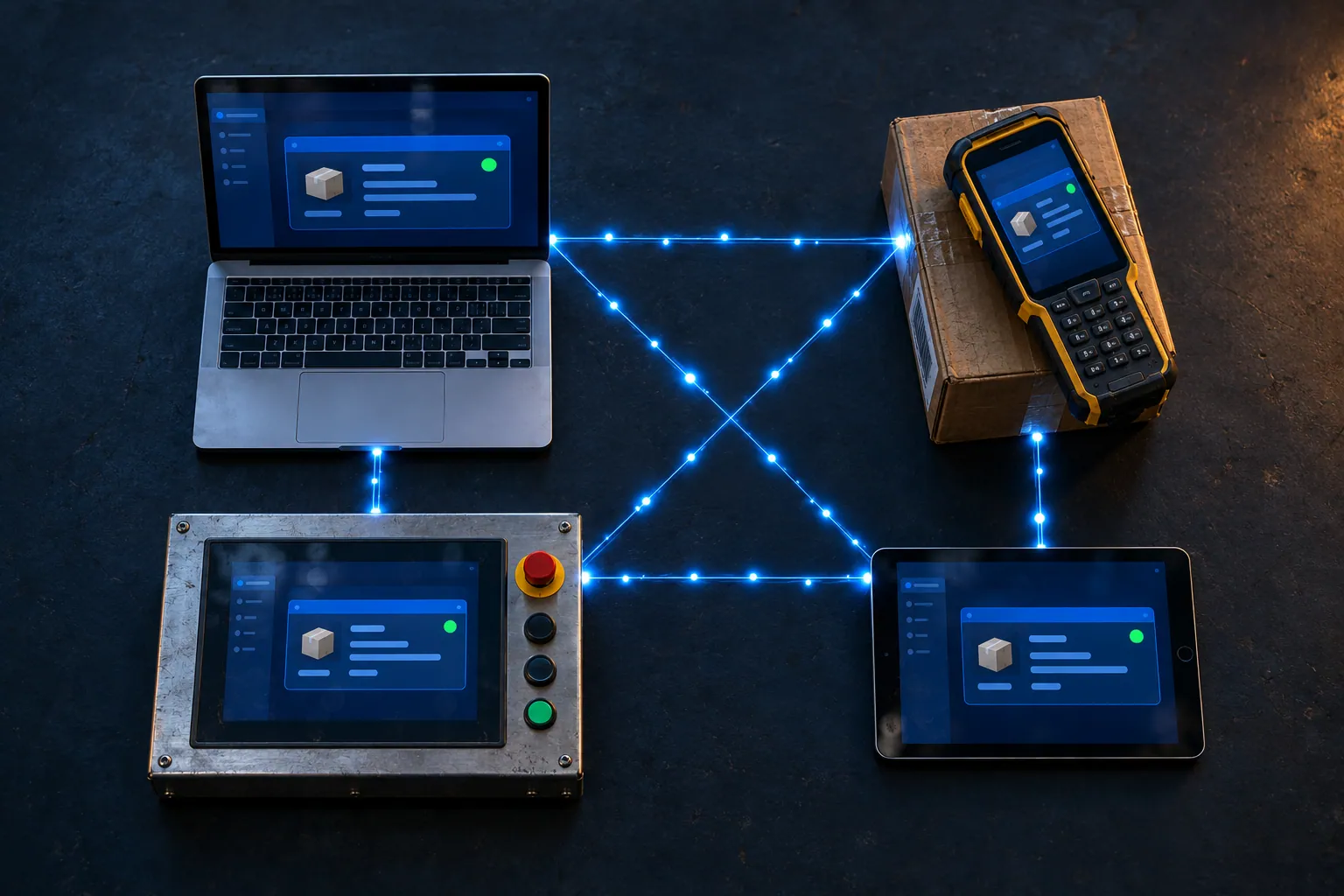
Your data sits in the ERP, on the shop floor and in spreadsheets — we connect the pieces into a single source of truth.

System IntegrationData IntegrationMiddleware & ESBCloud IntegrationData MigrationWorkflow Automation

Most organizations have data, but it's fragmented: one version in the ERP, another in the field, something else entirely in Excel. System integration is about connecting these pieces into a single source of truth.

The invisible part of integration is error handling. If what happens when a transfer fails — where the data waits and who is notified — isn't designed up front, the integration breaks silently.

How we work

System inventoryWhich data lives where, who produces it and who consumes it.
Integration architecturePoint-to-point or middleware — decided case by case.
Data mappingField mappings, transformation rules and validation.
Error handlingQueues, retries and notifications; no silent failures.
MonitoringVisibility of transfer volume, latency and error rate.
DocumentationFlows and rules written down so they can be handed over.

Request form

Fill in the form and your request goes straight to our team; we usually reply within the same business day.

What we deliver

  • A system inventory and data flow map
  • A field mapping and transformation rules document
  • Integration services and scheduled flows
  • An error queue and notification rules
  • A transfer monitoring dashboard
  • A reconciliation report

How we proceed

1 · InventoryWhere each piece of data lives, who produces it and who uses it is mapped.
2 · Architecture decisionPoint-to-point or middleware — decided case by case.
3 · Mapping and testingThe field mapping is validated in a test environment.
4 · Parallel runningManual transfer continues for a while and results are compared.
5 · Hand-overMonitoring and reconciliation become routine.

When it's the right choice

  • When the same data is entered by hand into more than one system
  • When there are inconsistencies and reconciliation problems between systems
  • When a new system has to work alongside older ones

When it's not the right choice

  • When one of the source systems will soon be retired entirely — a migration plan is the better fit
  • When it's unclear who owns the data and which source is correct — decide that first
  • When the transfer happens a few times a year and doing it by hand is cheaper

Products we use in this service

Data Integration

PDM to ERP

Never open a stock card by hand again: the card in PDM reaches your ERP on its own, department approvals included.

PDM / PLMERPApproval Flow
Per departmentApproval flow
Side by sideNetsis comparison
LogTraceability
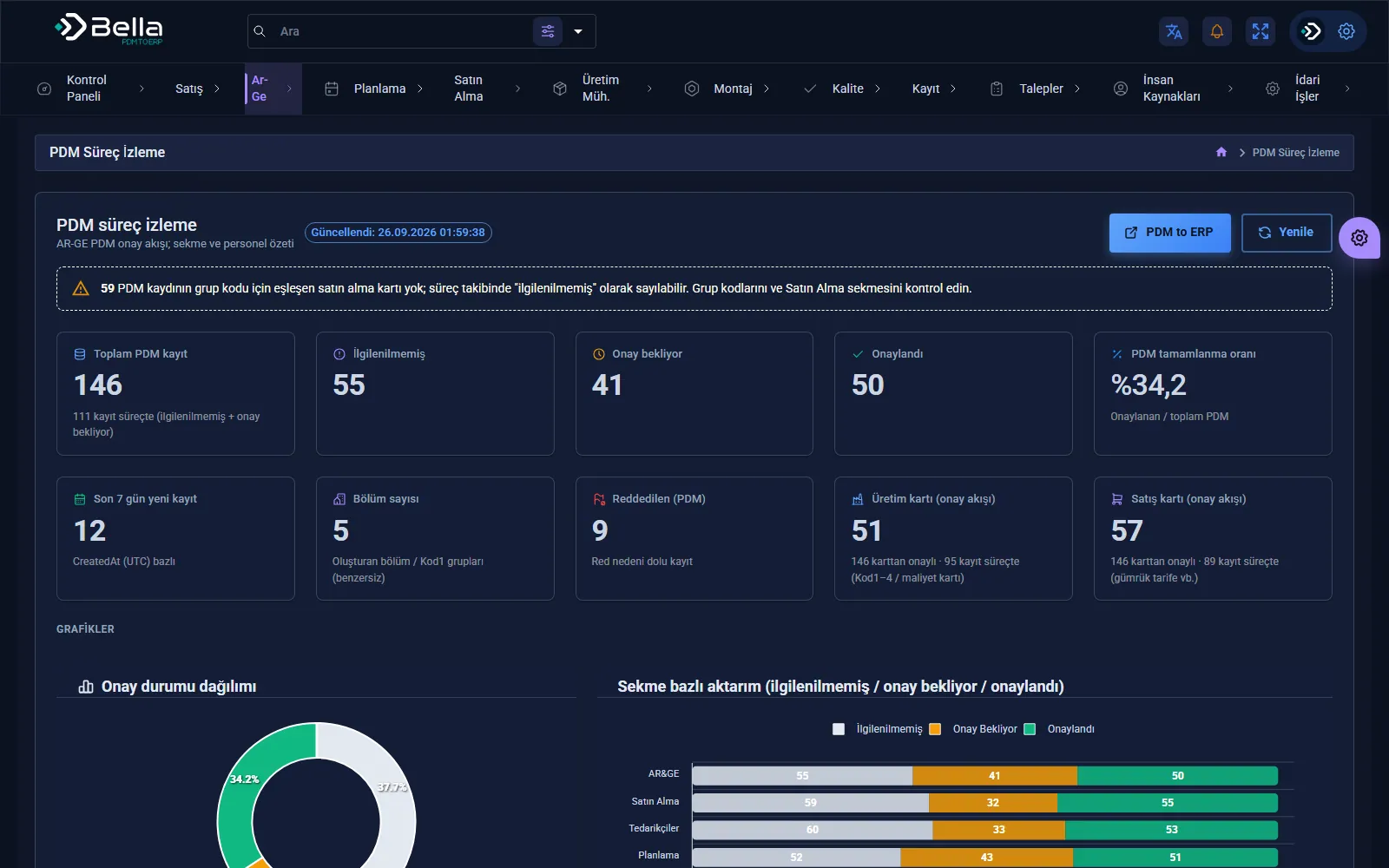
PDM to ERP — screenshot
Finance & Bookkeeping

Bella Ön Muhasebe

Who owes you, what's in the till, which invoice is overdue: your company's money on one screen.
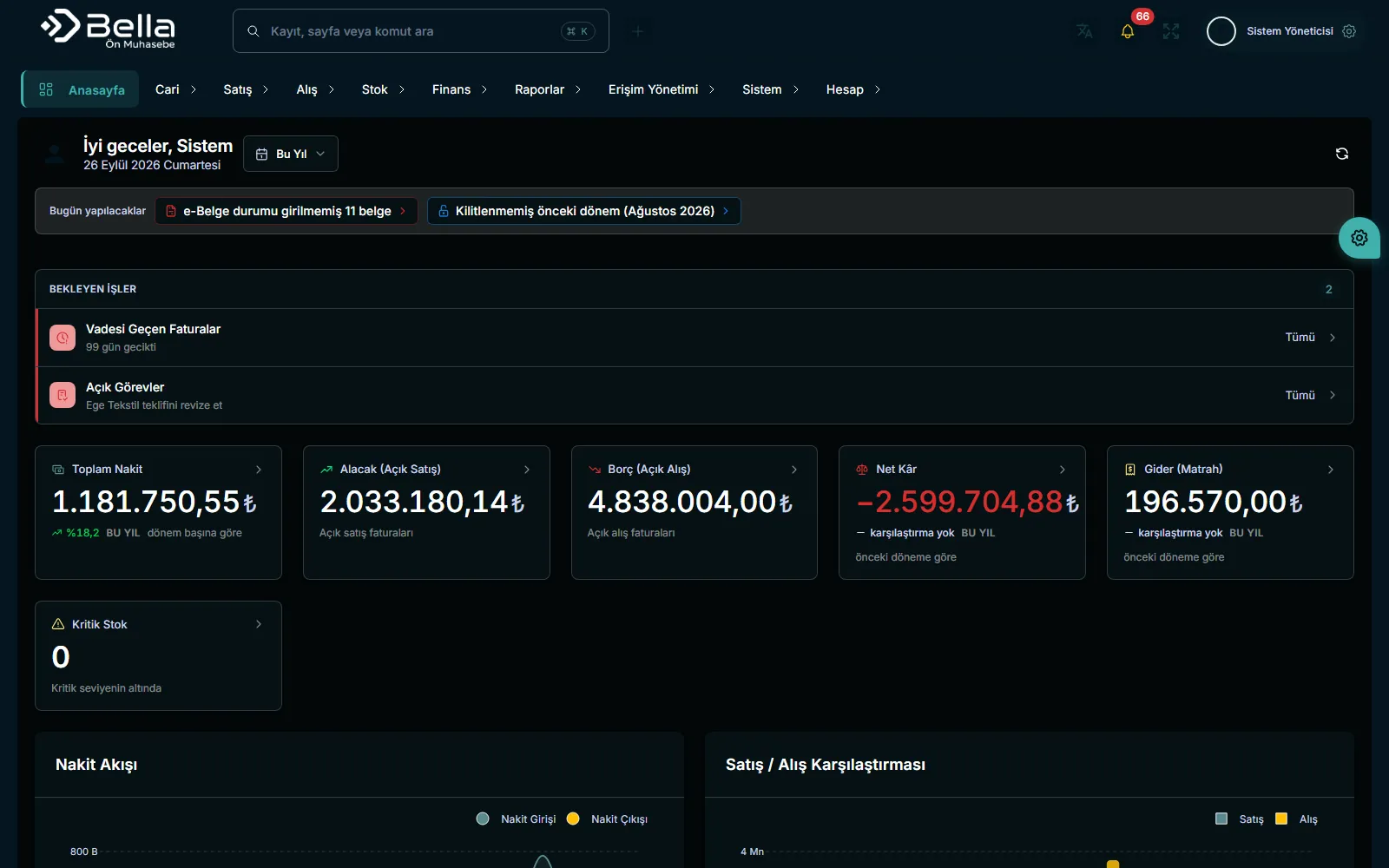
InvoicesAccountsStock
Multi-currencyCBRT rates
Due datesOverdue tracking
AccountantInvited access
Bella Ön Muhasebe — screenshot
E-mail Marketing

Bella Mail Marketing

Know where your email actually lands: lists, templates, sending and deliverability in one panel.
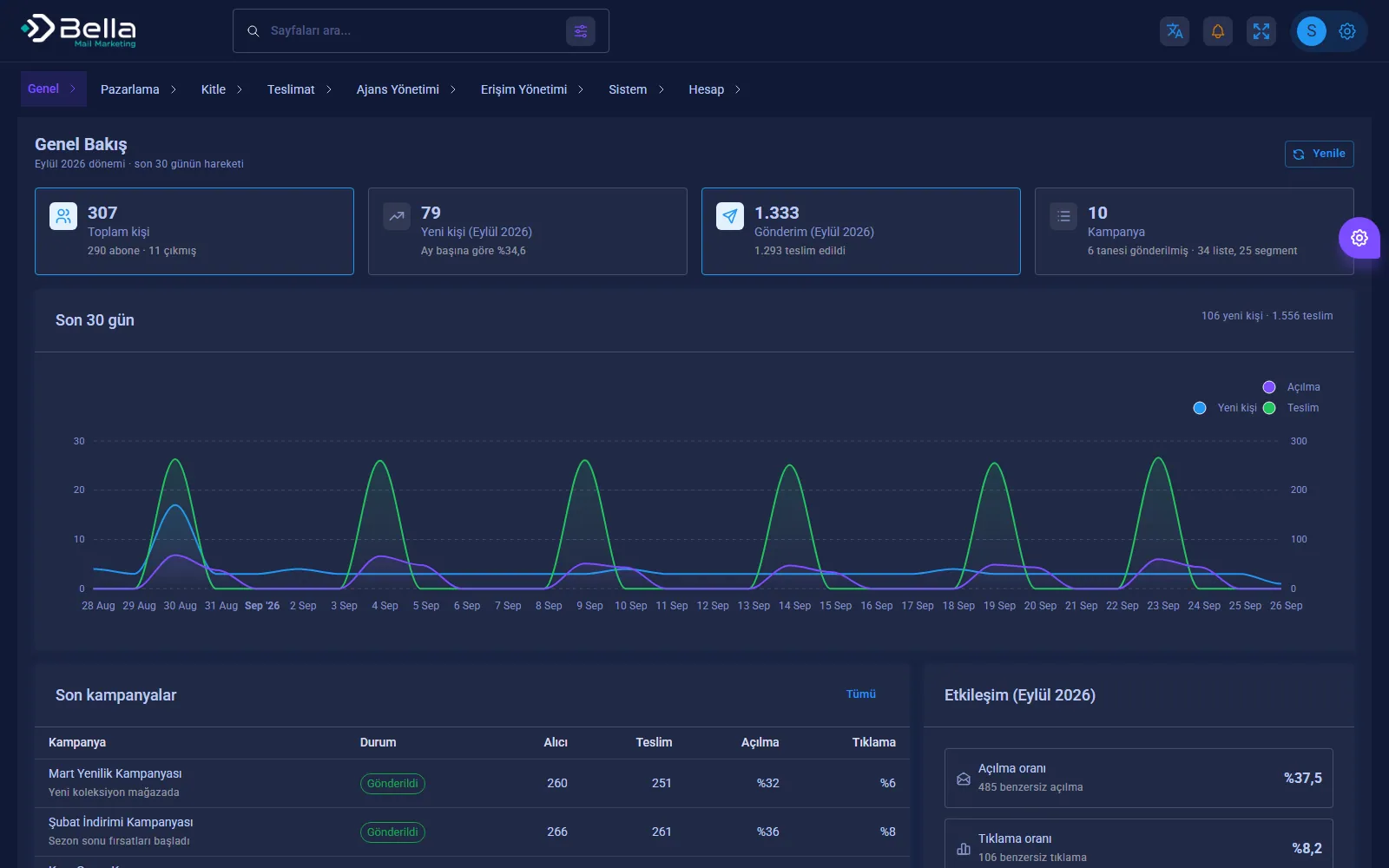
CampaignsTemplatesAutomation
SMTPSending
BounceBounce tracking
SegmentList targeting
Bella Mail Marketing — screenshot

Frequently asked

Is integration possible with a system that has no API?

Yes; database or file-based transfer is used, or, as a last resort, user interface automation (RPA).

What happens if a transfer fails?

The record isn't lost: it waits in the error queue, the owner is notified and it's resent once corrected.

Which ERPs have you worked with?

We have experience with Netsis and Odoo integrations; for other systems the access method is determined during discovery.

Who monitors the integration?

Transfer volume, latency and error rate are visible on a dashboard; monitoring responsibility is handed over to your team.

Let's take the first step in System Integration.

In a short discovery call we'll listen to your needs and share the scope and approach in writing.