
PDM to ERPItem master transfer from PDM to ERP
Never open a stock card by hand again: the card in PDM reaches your ERP on its own, department approvals included.
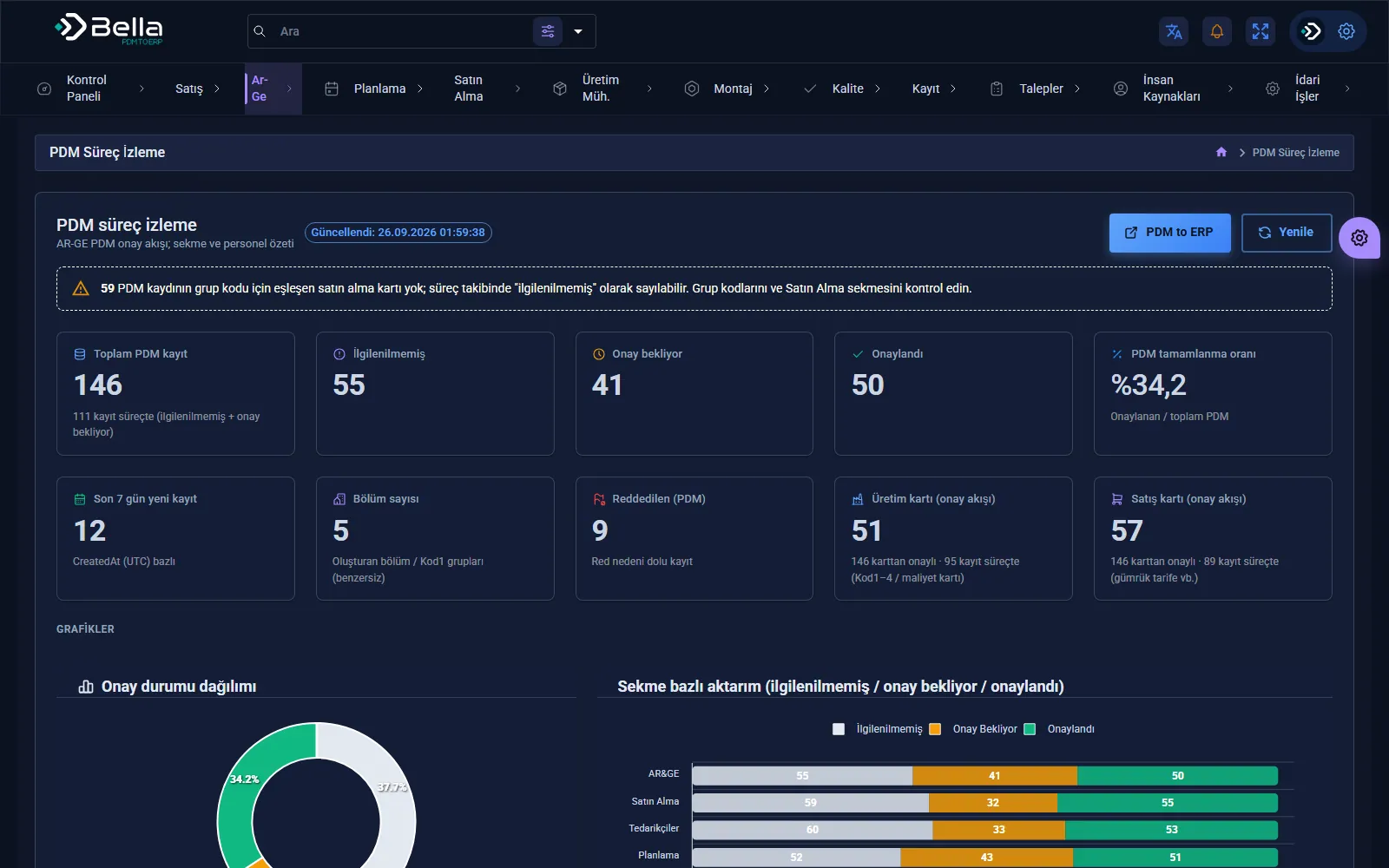
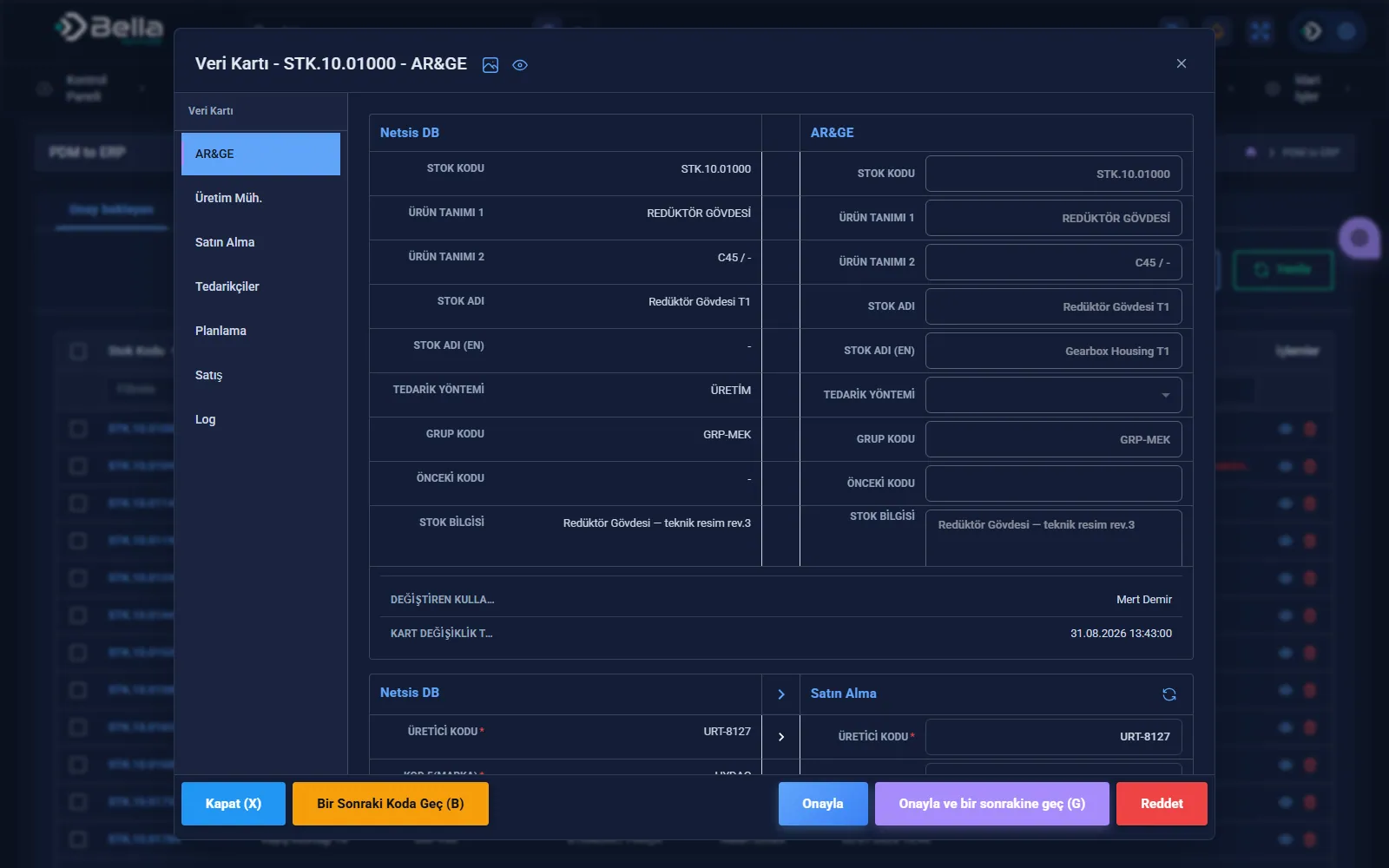
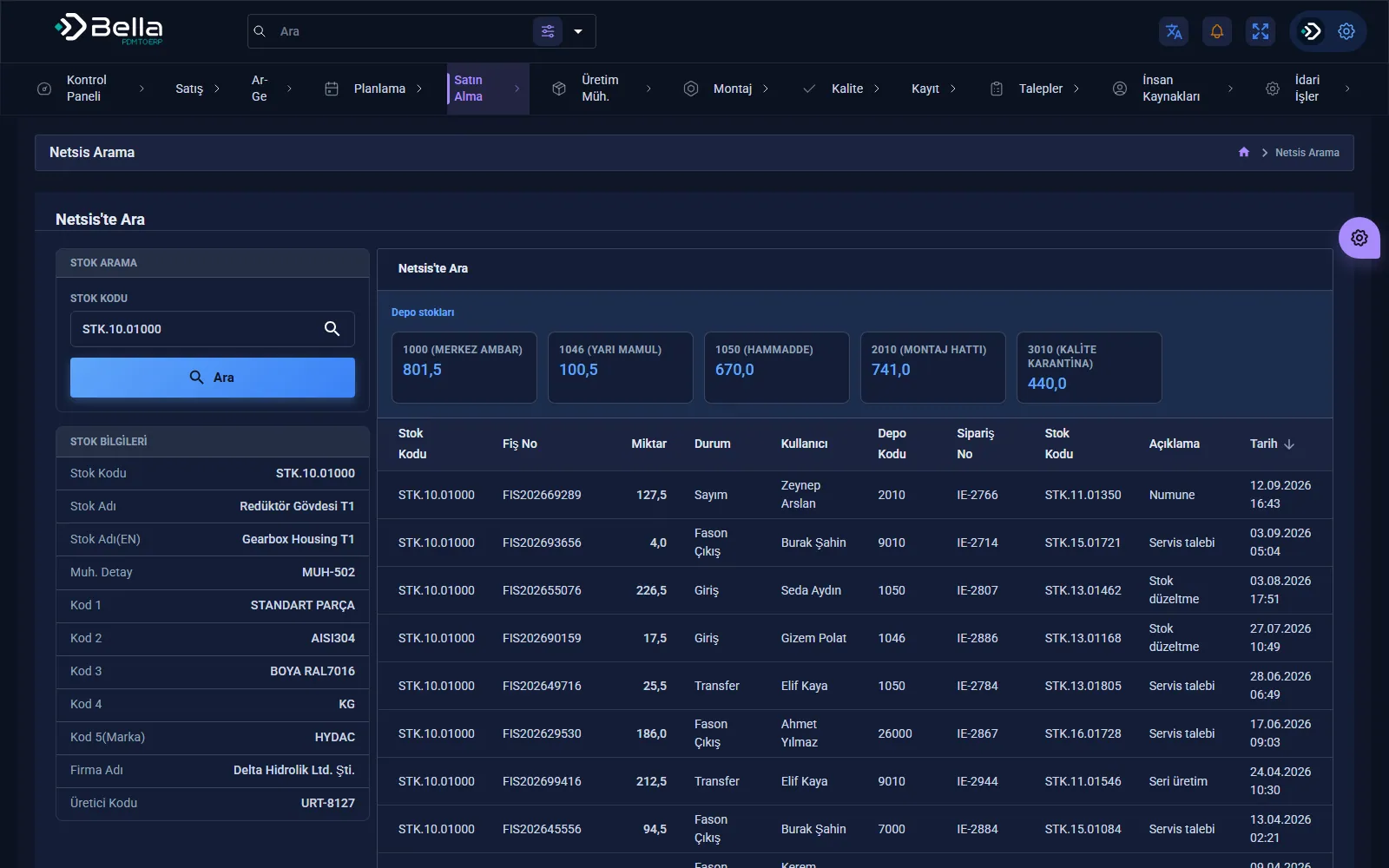
PDM to ERP moves the stock card and operation routing that engineering creates in PDM into the ERP. The current value in Netsis and the new value coming from PDM are shown side by side; opening cards by hand is no longer needed.
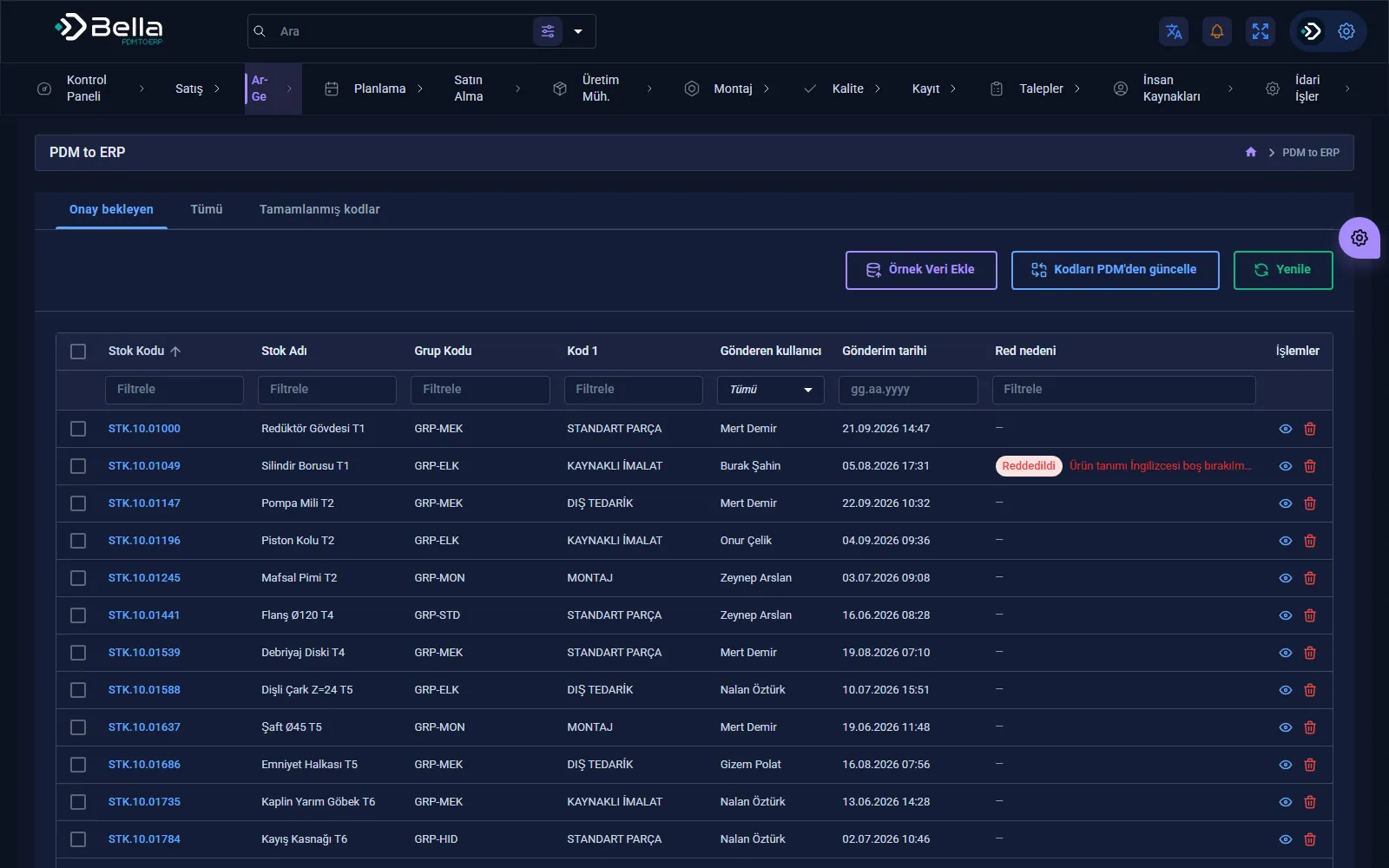
A card is not completed in the ERP until the departments have checked and approved it; a rejected card goes back to the sender with its reason. Every change is logged with who, when, and the old and new value.
Capabilities
How a transfer works
Example flow: SolidWorks PDM Bella integration layer Netsis ERP. Engineering data is never typed into the ERP by hand; every step is recorded.
- ReadItem master fields, operations and the latest revision of every variable are read from PDM.
- MapPDM variables are linked to ERP fields through a fixed map; which field goes where is defined in one place.
- ValidateRequired fields, unmatched group codes and missing department cards are flagged before the transfer.
- CompleteR&D, production and purchasing complete their own fields on the same data card; who checked and approved the card is recorded.
- TransferThe approved card is written to Netsis; a faulty row stays in the approval list and is resubmitted once fixed.
Every transfer is written to a log that answers who, when and with which value.
Case studies
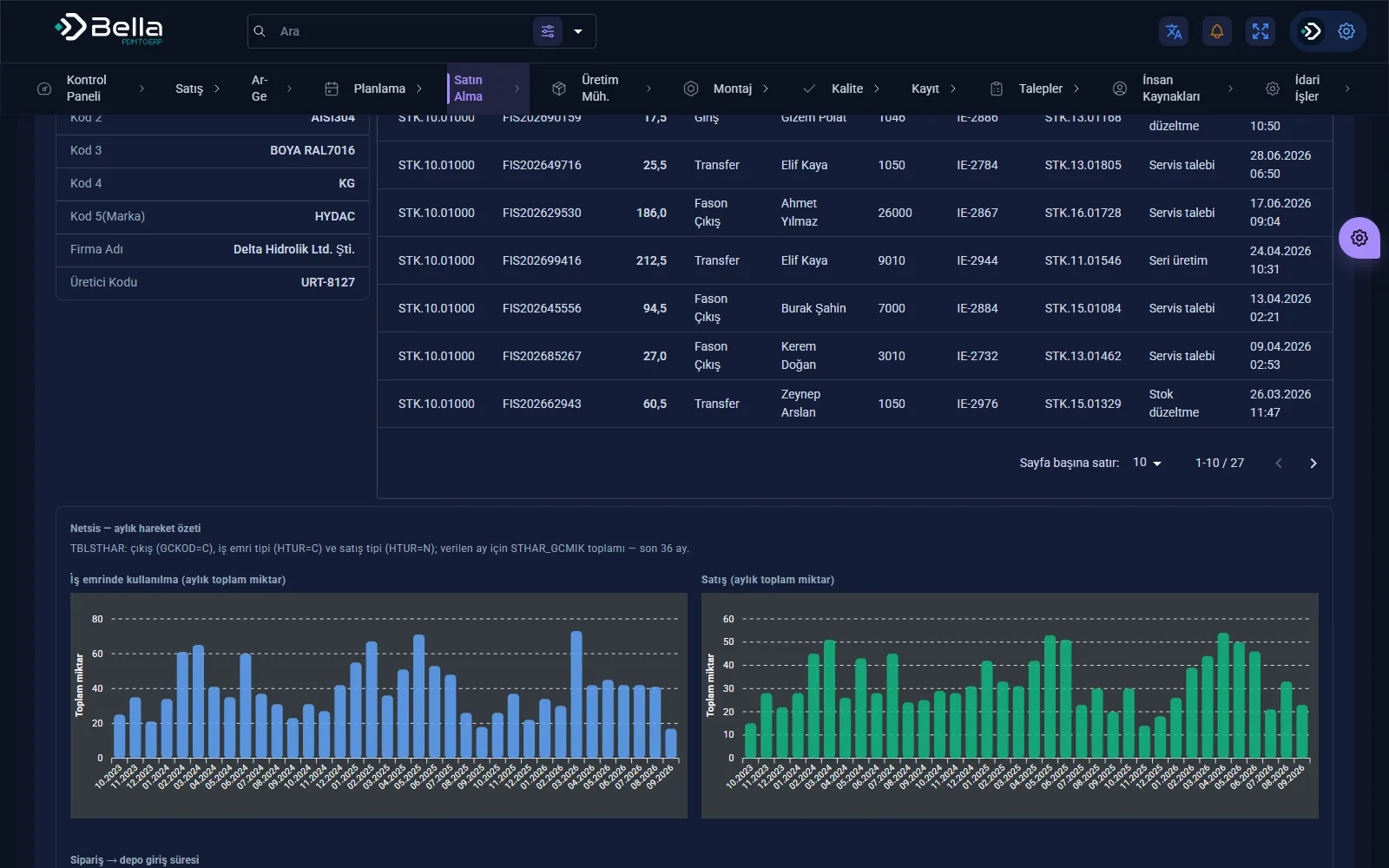
Screenshots
Frequently asked
What happens to a failed record?+
It does not disappear silently. Bulk update shows the faulty row with its reason; the record stays in the pending-approval list and is resubmitted once fixed.
Which revision is transferred to the ERP?+
The values of the latest revision in PDM are read; they go through departmental approval before being written to the ERP.
Can multi-level BOMs be transferred?+
Today, operation items and a chained routing are built from the item's operations in PDM. If multi-level product structure transfer is needed, it is added within the project scope.
Which PDM and ERP systems does it work with?+
The installation running in the field connects SolidWorks PDM and Netsis. For another PDM or ERP, the read and write layer is adapted within the project scope; the departmental approval flow and change log stay the same.
Other products
What can PDM to ERP do for you?
Let's plan the whole process together, from installation to integration.